COUNTERTOP STAND
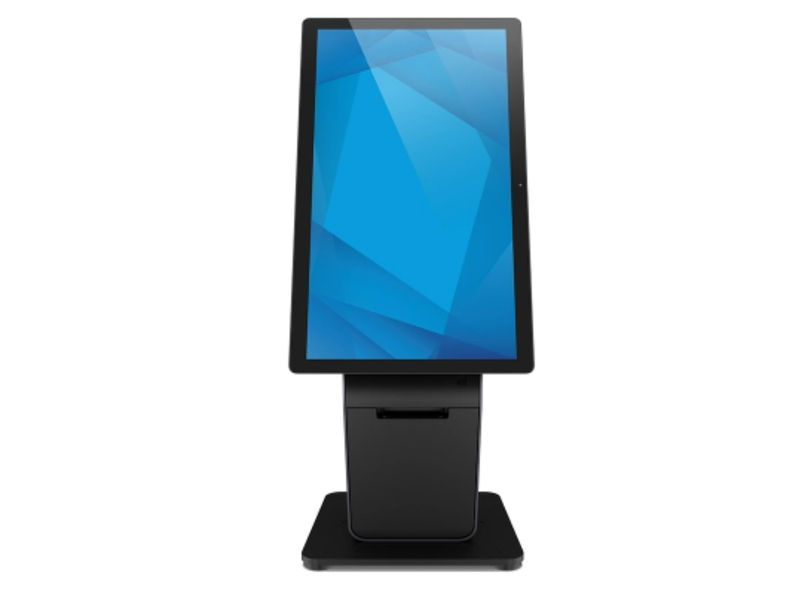
Elo Wallaby Pro Countertop Stand (E989127)
A clean countertop setup for compact ordering points and upsell prompts.
View product
HOSPITALITY • QSR • SELF-ORDERING KIOS
Self-ordering kiosks can lift average order value by making upsells consistent, bundles more appealing, and add-ons easier to choose. This complete guide explains what actually increases basket size in fast food and takeaways, plus touchscreen kiosk options to get started.
Browse the collection: Touch Screen Kiosks
Best for
Fast food + takeaways
Goal
Increase average order value
What kiosks improve
Upsells, speed, accuracy
Get options

Average order value (AOV) is one of the most reliable growth levers in hospitality because it scales with every transaction. Instead of relying only on more footfall, increasing AOV improves revenue from the customers you already have.
In fast food and takeaways, where order volume is high, small increases add up quickly. The most common challenge is consistency: staff can upsell brilliantly on a quiet shift, but when the queue builds, upselling drops. A kiosk makes your best upsell and cross-sell prompts happen every time.
Simple AOV example: Add £1 to your average order and process 400 orders/day - that’s £400/day or roughly £12,000/month (30 days), before costs.
The biggest AOV difference between counter ordering and kiosk ordering is consistency. A kiosk can prompt an upgrade on every order, even when the restaurant is busy. That means the same high-performing upsell prompt reaches 100% of customers, not just the ones who happen to be served by the most confident team member.
Kiosks can present a bundle option alongside the single item with clear value. When the price gap is obvious and the bundle looks complete, customers are more likely to choose it. This works especially well for meal deals, family bundles, and lunch combos.
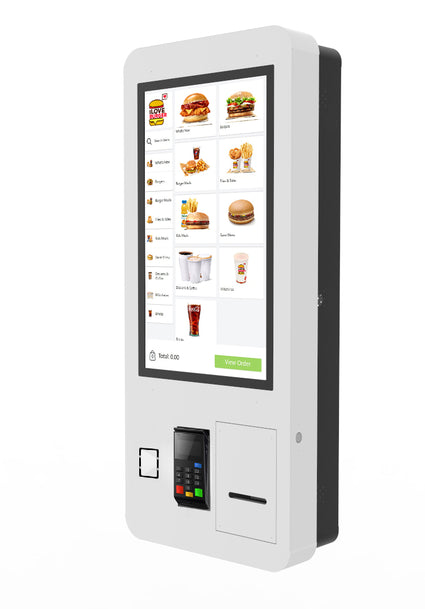
People buy with their eyes. Kiosks give you a clean, consistent way to showcase high-margin add-ons with strong imagery. Desserts, premium drinks and limited-time specials all perform better when the customer sees them at the right moment.
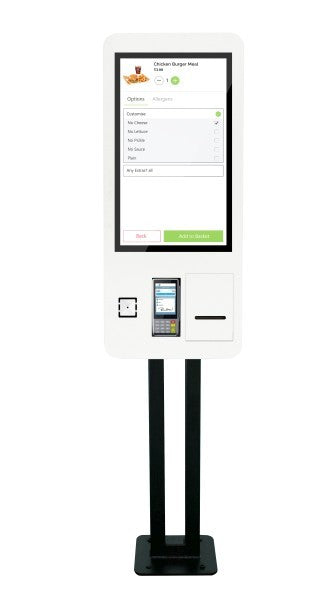
Touchscreens make it easier to customise without pressure. Customers take their time, explore options, and are more likely to add extras like additional toppings, premium sauces, or double protein. Even when customers remove ingredients, the overall basket often increases because the experience encourages exploration.
Cross-selling works best when it’s relevant. Kiosks can suggest add-ons that match the basket, improving attachment rate (how often an add-on is accepted).
While this isn’t AOV directly, it protects profit. When customers select exactly what they want on-screen, errors often drop. Fewer remakes and fewer disputes help protect margins - and customers trust the brand more, which supports repeat orders.
The best prompts are placed when the customer is already in decision mode. A simple flow that consistently lifts basket size looks like this:
Explore the full range here: Touch Screen Kiosks
Want help choosing the right kiosk for your space and budget? View all Touch Screen Kiosks

ScreenMoove supplies touchscreen kiosks and can advise on the right format for your customer flow, counter space, POS setup and future rollout plans.
View all kiosks