




Creston AirMedia® Receiver 3200 with Wi‑Fi® Network Connectivity, International | AM-3200-WF-I
SKU: AM-3200-WF-I


£1,234.16 (Excl. VAT)


- Description
- Specifications
- Downloads
-
Creston AirMedia® Receiver 3200 with Wi‑Fi® Network Connectivity, International | AM-3200-WF-I
The AirMedia® Receiver 3200 (AM‑3200‑WF‑I) enables secure wireless collaboration in the modern digital workspace. Easy to deploy and manage, install the Receiver in conference rooms, huddle rooms, lounges, lobbies, or almost any space to establish a productive meeting environment.

Connect and Present
The Receiver mounts invisibly behind or beside a wall-mount display and enables a smart room with wireless collaboration. It features AirMedia wireless presentation capability, an HDMI® output to the display (up to 4K), an HDMI input, and various USB interfaces for wireless conferencing. Connect your laptop, smart phone, tablet, AirMedia Connect adapter, or other source type to instantly present the source image on the display.AirMedia Wireless Presentation
With AirMedia technology, users can wirelessly present content from laptops, smartphones, and tablet devices via built in Wi‑Fi® network capabilities or via an external Wi‑Fi® wireless network. Present content from desktop or laptop computers using downloadable client software, the AirMedia extension for the Google Chrome™ web browser, or Miracast® screen mirroring technology (Windows® 10 and Windows 11 computers only). Present content from Android™ and iOS® mobile devices with the AirMedia app.For more information about AirMedia, visit www.crestron.com/airmedia.1
HDMI Connectivity
In addition to AirMedia, the AM‑3200‑WF‑I includes an HDMI input for direct connection of a local source, such as a Mini PC, or a portable laptop computer via an optional wall plate or cable. The HDMI input supports HD 1080p/60 signals.2Multi-User Presentation
Present up to four sources simultaneously with the AirMedia Canvas feature. To maximize screen coverage, AirMedia Canvas automatically configures the best possible layout based on the number of active presenters, the type of sources, and their aspect ratios.3 Use the AirMedia app or a connected touch screen (sold separately) to manage sources and their position on the display.Wireless Conferencing
Wireless conferencing provides a premium collaboration experience by enabling video calling from almost any device.4 The AirMedia application provides wireless access to a host of connected conferencing peripherals, such as soundbars, cameras, or speakerphones. Peripherals are immediately available on the user's laptop for use in Microsoft Teams® software or Zoom™ software.Enhanced Onscreen Experience
When no source is connected, the AM‑3200‑WF‑I displays a customizable welcome screen on the room display with simple instructions for connecting and presenting. Integration with Microsoft Exchange Server® (for Outlook® and Microsoft 365® software users), Google Calendar™, or Crestron Fusion® room scheduling software allows the space’s availability and meeting details to appear onscreen. As the meeting progresses, notifications appear periodically to indicate both the time left in the meeting and the next scheduled event. Pop-up messages sent from Crestron Fusion may also appear in the event of an emergency or to deliver an important announcement.Add-on Control Options
Enable manual control of the AM‑3200‑WF‑I by adding a 7 in. or 10 in. Crestron® TS- or TSW- 70 series touch screen. The touch screen provides an additional view of the room schedule and meeting details as well as controls for input source selection, display power on/off, and display volume and mute. Add a Power over Ethernet occupancy sensor (CEN‑ODT‑C‑POE) to control display or digital signage on/off based on room occupancy or vacancy.XiO Cloud® Provisioning and Management Service
The AM‑3200‑WF‑I is compatible with the XiO Cloud service, which enables installers and IT managers to easily deploy and manage thousands of devices. The XiO Cloud service allows for system alerts and network management and provisioning.Digital Signage Functionality
Integrate the Appspace digital signage application or other web-based signage providers with the AM-3200-WF-I. The AM-3200-WF-I can display digital signage content when no presentation is being made or when the room is not occupied.Crestron Fusion Room Monitoring
Presentation spaces can be managed and centrally monitored through the Crestron Fusion enterprise management service. By adding an optional occupancy sensor (CEN‑ODT‑C‑POE), the AM‑3200‑WF‑I can report and log when people are in the space, turn the display on and off accordingly, and make unused spaces available for new bookings. Crestron Fusion software supports room scheduling, and can integrate with a variety of third-party calendaring applications. Instant alerts notify the help desk to rapidly resolve any problems and maximize uptime and workflow.
Enterprise-Grade Security
The AirMedia Presentation System is an enterprise-grade solution that can be deployed across hundreds of spaces and set up easily using just a web browser, Crestron Fusion, or XiO Cloud software. Employing standard network security protocols such as 802.1x network access control, Active Directory® authentication, and AES content encryption, the AM‑3200‑WF‑I protects privacy and ensures compliance with your organization’s IT policies.Hybrid Wireless Connectivity with the AirMedia Adaptor
As an alternative to software based AirMedia wireless presentation, the AM‑3200‑WF‑I is compatible with the AirMedia Presentation Adaptor (AM‑TX3‑100‑I). Simply plug the adaptor into a personal device's USB‑C® port to connect to the AM‑3200‑WF‑I. The adaptor communicates wirelessly with the system using built‑in Wi‑Fi network capabilities to display content up to a 4K30 resolution. During presentations, content is scaled to the selected HDMI output resolution.
Key Features
Complete room solution enables secure presentation from laptops, smartphones, tablet devices, and AirMedia Connect Adapters using either a wired HDMI® connection or a wireless AirMedia® connectionIntegration friendly features such as HDMI® input, dual LAN, balanced audio output, and display control via RS‑232 and IR
Enables smart automation via intelligent display control, personal device control, occupancy detection, and integration into a broader connected ecosystem
Enterprise-grade security and content encryption protects privacy and ensures compliance with IT policies
XiO Cloud® service support for remote provisioning and management
Built-in digital signage functionality with support for Appspace® software and other web-based signage providersSupports content sharing of up to four simultaneous sources for multi-user collaboration with AirMedia Canvas
Wireless conferencing and presentation allows for collaboration with in-room and remote participants
-
Category Specification Communications Ethernet 100/1000 Mbps, auto-switching, autodiscovery, DHCP, TCP/IP, UDP/IP, SSL, TLS5, SSH, SFTP, IEEE 802.1x Wi-Fi Dual-band 802.11a/b/g/n/ac/ax, 2.4 GHz & 5 GHz, up to 100 ft (30 m) range at 80 Mbps Bluetooth® Version 5.0 AirMedia Ethernet: IPv4, TLS, AES; Wireless: IEEE 802.11/b/g/n/ac/ax, 2.4 GHz or 5 GHz USB Host USB 2.0 and USB 3.0 for conferencing peripherals USB Device USB 3.0 for computer console setup RS-232 2-way control, up to 115.2k baud IR/Serial 1-way control, IR (up to 1.1 MHz) or serial TTL/RS-232 (0-5V) HDMI Input HDCP 1.4, EDID HDMI Output HDCP 2.2, EDID, CEC Video Input Signal Types AirMedia, HDMI, simultaneous display of up to 4 sources with AirMedia Canvas Max Input Resolutions HDMI: 1920x1080@60Hz; AirMedia: 1920x1080@30Hz; AirMedia Adapter: 3840x2160@30Hz Output Signal Types HDMI HDMI Output Resolutions Up to 3840x2160@60Hz (2160p60) Background & Logo Support JPEG, PNG Audio Input Signal Types AirMedia, HDMI Output Signal Types HDMI Input/Output Format 2-channel LPCM AirMedia Software OS Support iOS, Android, Windows 10/11, macOS, Chrome OS Frame Rate Up to 30 fps Output Resolutions 640x480@60Hz to 1920x1080@60Hz Bitrate Peak: 0.25-8.5 Mbps; Avg: 1.4 Mbps Wireless Conferencing OS Support Windows 10/11, macOS 11+ Supported Platforms Microsoft Teams, Zoom Connectors ANT-A & ANT-B SMA connectors for external Wi-Fi antennas IR 2-pin 3.5 mm terminal block, IR output or 1-way TTL/RS-232 control COM 5-pin 3.5 mm terminal block, RS-232 bi-directional port AUDIO OUT 5-pin terminal block, balanced/unbalanced stereo output microSD For caching digital signage content HDMI INPUT HDMI Type A input, DVI & Dual-Mode DisplayPort compatible HDMI OUTPUT HDMI Type A output, DVI compatible USB USB 2.0/3.0 Host and USB 3.0 Device LAN PoE+ RJ-45 port for 100/1000 Ethernet and PoE+ LAN AUX RJ-45 port for secondary guest-only network Power 24VDC input, power pack sold separately Controls and Indicators PWR Green LED for power status RESET Recessed hardware reset button SETUP Recessed button for IP display and pairing; LED indicator ONLINE Green LED for control system connection HDMI IN/OUT LEDs indicating HDMI signal presence LAN PoE+/AUX LEDs indicating Ethernet link status and activity Power Power over Ethernet IEEE 802.3af Class 4 Power Pack Input: 100-240VAC, Output: 24VDC, 1.25A (sold separately) Power Consumption 14 W (typical) Environmental Temperature 32° to 104°F (0° to 40°C) Humidity 10% to 90% RH (non-condensing) Heat Dissipation 47.8 BTU/hr Construction Chassis Metal, black finish, vented sides, integral mounting flanges Mounting Freestanding, surface mount, single rack rail attachment Dimensions H: 1.26 in. (33 mm), W: 7.40 in. (188 mm), D: 6.93 in. (177 mm) Weight 1.9 lb (0.86 kg) Compliance Regulatory Model M202011001 Certifications Intertek Listed for US & Canada, CE, IC, FCC Part 15 Class B -
Description Downloads Guide Spec Downloads

Book a Free Product Demo
Remote or on-site. No obligation.
Integrator or Installer?
Trade pricing, volume discounts, same-day collection.
Education & Public Sector Solutions
Exclusive pricing, flexible terms, and dedicated support for schools, universities, NHS, and government organisations.




LATEST CASE STUDIES
See more-
 February 26, 2026
Digital Menu Boards & High-Brightness Display for Karak Chaii, Southall
HOSPITALITY • DIGITAL MENU BOARDS43-inch 4K vivid-bright digital menu board installed by ScreenMoove, ceiling mounted for a clean finish, delivering sharper menu clarity, flexible content updates and reliable 24/7 commercial performance.ClientKarak ChaiiLocationSouthallSectorHospitalityInstallation DateFebruary 2026SolutionDigital Menu BoardsProducts43" Digital Signage Display -
 January 22, 2026
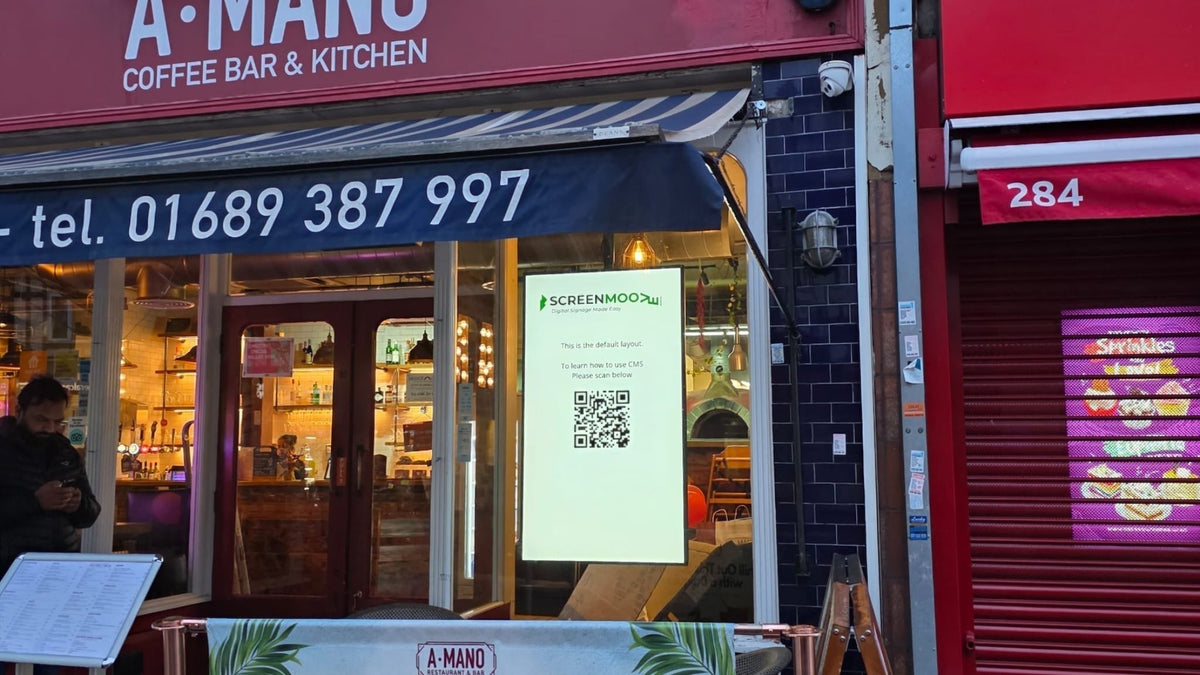
Digital Signage & Installation Service for A MANO, Orpington
RETAIL • Digital SignageWindow-facing 55-inch digital signage installed for A MANO in Orpington, delivering vivid-bright 800 cd/m2 visibility, CMS-controlled updates, and street-level brand impact and daily promotion.ClientA ManoLocationOrpingtonSectorHospitalityInstallation DateJanuary 2026SolutionDigital Signage + InstallationProducts55" Digital Signage Display -
 January 14, 2026
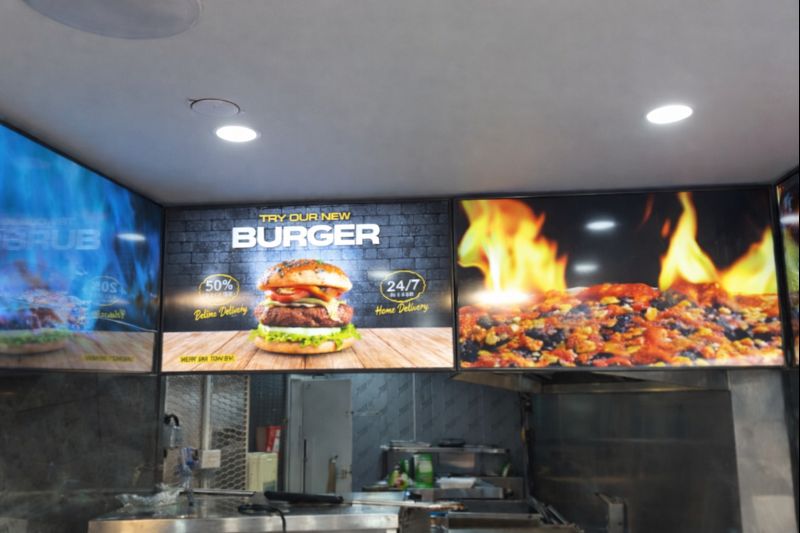
Digital Menu Boards with Custom Curved Mount Installation for Woodys, Andover
HOSPITALITY • DIGITAL MENU BOARDSFour-screen digital menu boards installed for Woodys in Andover, featuring a bespoke curved mounting layout and CMS-controlled content for a bold, immersive menu experience.ClientWoodysLocationAndoverSectorHospitality, QSRInstallation DateFebruary 2025SolutionDigital Menu Boards + CMSProducts43" Digital Menu Boards -
 January 14, 2026
Digital Signage & Freestanding Display for Naan Staap, Leicester
HOSPITALITY • DIGITAL MENU BOARDSMulti-screen digital menu boards and floor-to-ceiling ultra-high-brightness window display installed for Naan Staap in Leicester, delivering clear menus and strong street-level visibility impact.ClientNaan StaapLocationLeicesterSectorHospitality, QSRInstallation DateMay 2025SolutionMenu Boards + UHD DisplayProducts32" Menu Boards & 49" Display


Top Quality Store
Why it matters
Demonstrates consistently strong fulfilment, service, and post-sale experience across Google signals.
Great products and service! The guys always go above and beyond to make sure they supply you with the product that best fits your needs. I’ve been using Screen Moove for a number of years now and woul...
See moreScreen Moove went above and beyond for my requirements. Ordering system was super easy it just take 2 minutes to complete my order and I have received my tracking details right away after few minutes...
See moreMoe Khan, one of the team at Screen Move has been a fantastic help as we have navigated the process of choosing and buying screens and stands for our church. Helpful at every step of the way, patient...
See moreWe originally planned to purchase a cheap TV for our showrooms. After speaking with screen moove, we ended up investing in floorstanding displays across multiple retail sites and showrooms. The bright...
See moreI placed my order late at night but realized I had entered the wrong address. I immediately sent an email asking for it to be changed, not really expecting a reply until the next day. To my surprise,...
See moreI’ve been looking ultra high brightness display despite I checked everywhere I didn’t trust. They got my trust and I ordered. It arrived safely next day we have installed screen is awesome and high qu...
See moreThis is second time I used Screen Moove, I have bought double sided 55 inch display. The first order was a bit delayed I don't blame it might be happen, but customer service over the phone was excell...
See moreScreenmoove, perfect customer satisfaction from start to finish! Their customer service is incredibly helpful and fast. It’s amazing to be able to reach out and get quick solutions for any issue. We a...
See moreWe found that we needed a video call to work out the set up. The tech team at screenmoove were very very good. I would suggest that the instructions that come with the screen offer two key info. 1. Set...
See moreGreat experience with Jonathan Gray, previously I was looking for other companies and randomly ordering our needs from elsewhere. after I met with him, since 2024 we are keep purchasing from screen m...
See more
Need help choosing the right product?
Speak directly with a dedicated Screen Moove expert and get the right solution, first time.
Call us on: 020 8191 9223
Email us: info@screenmoove.com
Contact us
Simply complete our contact form, and we will promptly respond to your inquiries.
If you have any questions or enquiry, please fill out the form below with all of your details and we'll get back to you shortly.