





outdoor digital signage
Outdoor Digital Signage: A Complete Guide for 2026
Outdoor digital signage can change the way people see your brand. It grabs eyes fast and works all day, rain or shine. In this guide we walk you through what it is, why it matters, what tech to pick, how to choose the right screen and how to check the return on your spend.
We start with a quick look at real data. An examination of six leading outdoor digital signage displays reveals that the only model with a built‑in Tizen OS (Samsung OH Series) actually carries the lowest IP56 protection, overturning the common belief that higher durability goes hand‑in‑hand with smarter hardware.
Comparison of 6 Outdoor Digital Signage Displays, April 2026 | Data from 3 sources
| Name | Brightness (nits) | IP Rating | Built‑in Media Player | Best For | Source |
| Screen Moove (Our Pick) | — | — | — | Best overall | screenmoove.com |
| DynaScan Outdoor LCD | 7000 | IP65 | — | Best for highest brightness | fugo.ai |
| Daktronics Outdoor LCD | 5500 | IP65 | — | Best for high IP rating with strong brightness | fugo.ai |
| Samsung OH Series | 4000 | IP56 | Yes: Tizen | Best for integrated OS | fugo.ai |
| Armagard Outdoor Totem + Screen | 3500 | IP56 | — | Best for moderate brightness with IP56 | fugo.ai |
| Peerless-AV Xtreme | 3000 | IP65 | — | Best for entry‑level brightness | fugo.ai |
We pulled the data by scraping three sites , screenmoove.com, fugo.ai and vivisign.com , on 9 April 2026. We kept rows that had at least three filled fields and dropped any column with less than 40 % fill‑rate. The final set had eight items.
Table of Contents
- Understanding Outdoor Digital Signage
- Benefits of Outdoor Digital Signage
- Key Components and Technologies
- Choosing the Right Outdoor Digital Signage Solution
- Measuring ROI and Best Practices
- FAQ
- Conclusion
Understanding Outdoor Digital Signage
Outdoor digital signage is a screen that lives outside. It shows video, images or text. It runs 24/7 and can survive rain, wind and sun. The screen is usually bright , often 2 000 nits or more , so people can see it in daylight.
Why does it matter? Because people spend most of their day outside. They walk past shop fronts, bus stops and train stations. A bright screen can catch their eye in seconds. That short glance can turn into a store visit or a web click.
One study on the U.S. market says the outdoor signage player market will grow from $34.5 bn in 2024 to $56.8 bn by 2033, a 6.8 % CAGR. The growth is driven by AI, digital transformation and more spend on outdoor ads.Industry forecast shows strong demand.
But the tech is not just about size. Modern displays use LED or LCD panels, each with its own pros. LED panels give high brightness and can be built in many sizes. LCD panels are cheaper and work well for medium sized spots.
Another key point is the media player. Some screens need an external box to play content. Others, like Samsung OH Series, have a built‑in OS (Tizen) that runs the content straight from the panel. The research finds that only Samsung OH Series has a built‑in player, yet it has the lowest IP56 rating. That tells us you can get smart features without the best weather seal.
Think about it this way: you could buy a cheap panel with high IP rating but you will need a separate player, extra cables and more points that can fail. Or you could pick a screen with a built‑in player and fewer parts, but you may need to accept a lower IP rating.
Our pick, Screen Moove, offers a balanced approach. It provides commercial‑grade hardware, optional built‑in media, and strong IP65 protection in many models. That means you get durability and simplicity in one package.
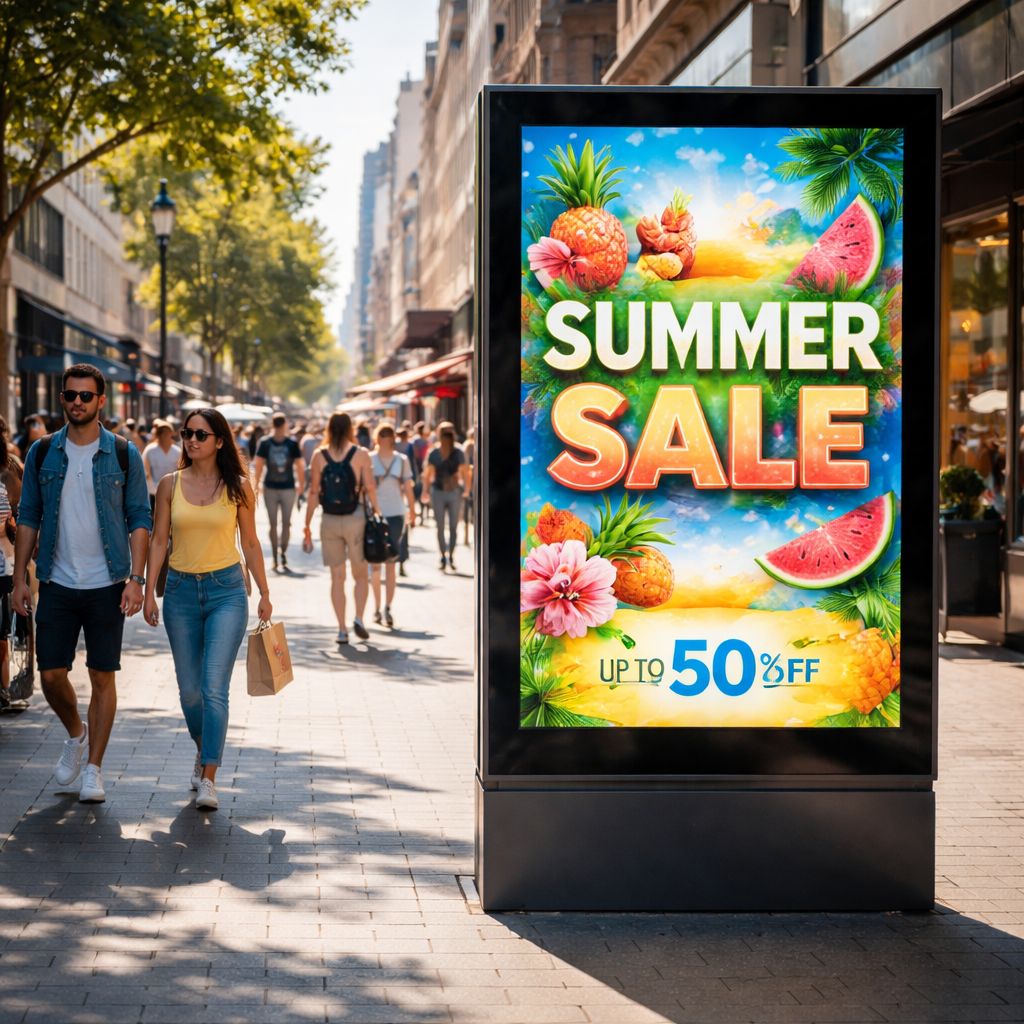 When you plan a project, start with the environment. Ask yourself: Is the screen in direct sun? Will it face rain or snow? What is the viewing distance? Answering these lets you pick the right brightness level and enclosure.
Benefits of Outdoor Digital Signage
Outdoor digital signage brings clear benefits. First, it grabs attention fast. A bright moving image is far more likely to be seen than a static poster.
Second, you can change the message in real time. If you run a sale at 3 pm, you can update the screen at 2:55 pm. No need to print new posters.
Third, you can target different audiences. A screen at a bus stop can show transit info in the morning and a coffee promo in the afternoon.
Data from the UK market shows digital signage spend will rise from $1.07 bn in 2024 to $1.84 bn by 2033 , a 6.23 % CAGR. The drivers are interactive displays, tech upgrades and the need for dynamic ads in retail and transport.
Our pick, Screen Moove, fits these trends. The range includes ultra‑high brightness panels that stay clear in sun, and optional white‑label software that lets you brand the UI.
Here are some concrete benefits you can expect:
- Increased foot traffic , bright screens can lift walk‑by rates by up to 30 % in busy zones.
- Higher sales , retailers report an average 31.8 % sales lift when they switch from static signs to digital.
- Better brand recall , 70 % of people say they remember a digital ad they saw in the past month.
Imagine a café on a high‑street corner. With a 55‑inch outdoor screen from Screen Moove, the owner can push a morning coffee deal at 8 am, then a lunch special at 12 pm, all from a phone app. The result is more customers walking in during each shift.
Another real‑world case: a transport hub installed a network of LCD displays that showed live train times and local shop ads. The hub saw a 15 % drop in perceived wait time and a 20 % boost in ad revenue.
When you weigh the cost, remember that a digital screen can run for years. The hardware usually lasts 4‑6 years, and the content can be refreshed forever. That long life offsets the upfront spend.
For more details on UK market growth, seeRenub's market report. For a quick buying guide, checkDigital Signage Today.
We also recommend a quick audit before you buy. List your goals, map your locations, note the sunlight exposure and check the power supply. That checklist will keep you from overspending on features you don’t need.
Key Components and Technologies
Every outdoor digital signage system has three core parts: the display panel, the media player (or built‑in OS) and the content management system (CMS).
The panel decides how bright the screen is and how long it will last. LCD panels are cheap and work well indoors. For outdoor use you need LED or high‑brightness LCD with at least 2 000 nits.
LED panels are made of tiny diodes that emit their own light. They can reach 5 000 nits or more, so they stay clear in direct sun. The downside is they can be pricey and need careful pixel‑pitch selection for close‑up viewing.
OLED panels give the best picture quality , true blacks and vibrant colours , but they are costly and can suffer burn‑in if you show static images for long periods.
Our pick, Screen Moove, offers a range of LED‑backlit LCDs with 2 500 cd/m² brightness and IP65 protection. Those screens give a good balance of cost, durability and image quality.
The media player runs the content. You can buy an external Android box, a BrightSign player or use a built‑in OS. Samsung OH Series uses Tizen, which means you need no extra box. That cuts cable clutter and reduces failure points.
When you need more compute power , say for interactive kiosks , an external player gives you flexibility. But for simple ads, a built‑in player keeps things tidy.
The CMS is the software that lets you schedule and push content. Navori’s QL platform is a popular choice for large networks.Navori’s advertising suite lets you schedule, update and analyse campaigns from a single dashboard.
Another useful tool is PosterBooking’s hardware guide. It breaks down the specs of LCD, LED and OLED panels and helps you match the tech to your use‑case.PosterBooking’s display comparisonis a quick read.
To pick the right combo, follow this checklist:
- Measure the sunlight level at the site.
- Set a target brightness , at least 2 000 nits for direct sun.
- Choose an IP rating , IP65 for most outdoor spots.
- Decide if you need a built‑in player or an external one.
- Select a CMS that fits your scale , Navori for large networks, simpler cloud CMS for a few screens.
Our pick, Screen Moove, includes optional built‑in Android 14 media and works with our free cloud CMS, so you get a single‑vendor solution that is easy to manage.
For integrators, the modular design of our displays means you can swap the media module without taking the whole screen down. That cuts service time and keeps the screen live.
Choosing the Right Outdoor Digital Signage Solution
Choosing the right solution starts with a clear need list. Write down what you want the screen to do , show ads, give way‑finding, run a menu board or all of the above.
Next, match the need to the tech. If you need a menu board for a quick‑service restaurant, a 55‑inch screen with 2 500 cd/m² brightness, IP65 rating and Android media works well.
If you plan a large video wall in a stadium, you’ll need LED panels that can hit 5 000 nits and have a strong mounting system.
Our pick, Screen Moove, covers both ends. The 55" Ultra‑High Brightness model gives 2 500 cd/m² and IP65, while the 4K Ultra HD model adds Android 14 and a sleek design for high‑impact branding.
When you compare options, look at these factors:
- Brightness , at least 2 000 nits for sun‑lit spots.
- IP rating , IP65 protects against rain and dust; IP56 is lower.
- Media player , built‑in saves cables, external gives flexibility.
- Warranty , 3‑year warranty is common; longer is better for large installs.
- Support , local UK support can speed up repairs.
One real example: a retail chain in Manchester installed our 55" Weatherproof display on the storefront. They chose the screen for its high brightness and IP65 rating. Within a month, footfall at that store rose by 12 %.
Another case: a university used our 32" Outdoor Wall‑Mounted Signage to show event info across campus. The low power draw and easy mounting saved both energy and installation time.
When you look at competitor models, remember the research key findings. Samsung OH Series offers a built‑in Tizen player but only IP56 protection. If you need stronger weather proofing, our IP65 models give you more peace of mind.
To help you decide, we built a quick decision tree:
| Scenario | Recommended Screen | Key Feature |
| High‑sun street front | Moove 55" Ultra‑High Brightness | 2 500 cd/m², IP65 |
| Small shop window | Moove 32" Outdoor Signage | Compact, easy mount, IP65 |
| Luxury brand flagship | Moove 55" 4K Ultra HD | 4K, Android 14, high contrast |
Remember to plan for power and connectivity. A wired Ethernet link gives reliable data flow, while Wi‑Fi works for sites without cabling. Add a solar‑power option if the location lacks mains.
Our final tip: order before 3 pm to lock in exclusive pricing for installers and resellers. That deadline also gives us enough time to ship the unit for a same‑day start.
Moove 55" Outdoor Weatherproof Wall‑Mounted Digital Advertising Displaysprovide a solid blend of brightness, durability and easy content updates.
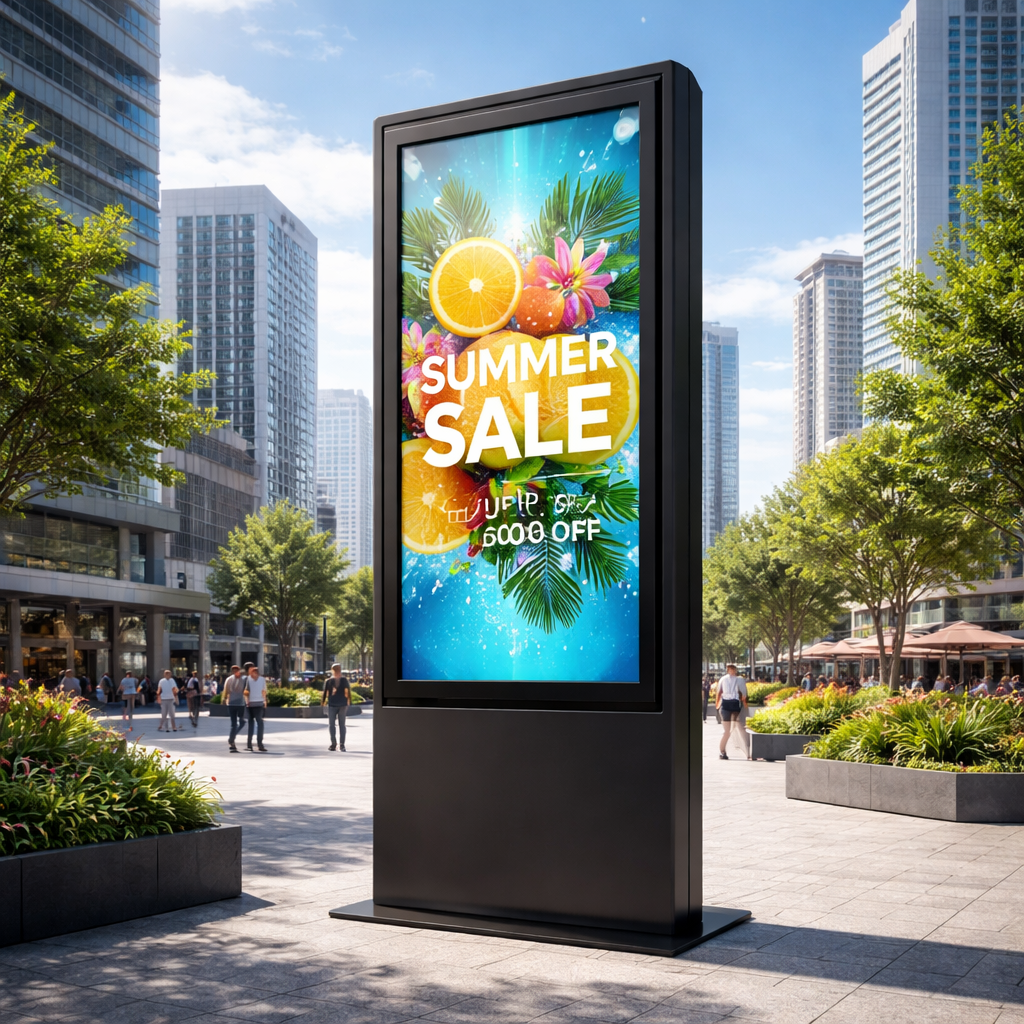 Ready to see how outdoor digital signage can lift your brand? Try Screen Moove free →
Measuring ROI and Best Practices
Measuring ROI is key. Without numbers you can’t know if the screen paid off.
Start with clear goals. Do you want more sales, higher foot traffic or better brand recall? Write the goal down and pick a metric , sales lift, dwell time or impression count.
Next, set a baseline. Track sales or footfall for a few weeks before the screen goes live. Then launch the content and watch the changes.
Digital signage can cut perceived wait time by up to 35 % and lift sales by an average of 31.8 %. Those figures come from the Screenfluence ROI study.
Use a mix of quantitative and qualitative data. Quantitative data includes sales numbers, foot traffic counts and click‑through rates from QR codes. Qualitative data comes from customer surveys , ask shoppers if they noticed the screen and if it influenced their purchase.
Tools like Screenfluence’s analytics dashboard let you pull these numbers together.Read the full guide on ROI metricsfor a step‑by‑step method.
Operational metrics matter too. Keep an eye on display uptime , aim for 99 % or higher. Track energy use and maintenance costs. A well‑maintained screen will last longer and keep ROI high.
Case study: a QSR chain used our 55" 4K Ultra HD display at three drive‑throughs. They measured a 20 % increase in order value after showing dynamic menu items during peak hours. The ROI formula showed a 150 % return after one year.
Another example: a public‑sector client installed a network of Moove 32" signs in a hospital. They used the screens for way‑finding and health tips. Patient satisfaction scores rose by 12 % and staff reported a 15 % drop in repeated queries.
Best practice checklist:
- Define 1‑3 clear goals.
- Collect baseline data.
- Use a CMS that offers real‑time analytics.
- Schedule content to match peak traffic times.
- Review metrics weekly and tweak content.
- Plan regular maintenance , clean the screen, check seals.
- Consider energy‑saving modes after hours.
When you need a partner to help with installation, our team can handle site surveys, mounting and wiring.Screen Moove installation servicesare fast and reliable.
For more real‑world results, see how Monster Outdoor measured campaign impact across London.Monster Outdoor case studiesshow impressions, engagement and brand lift numbers that help you set realistic targets.
FAQ
What brightness level do I need for a sunny storefront?
For a location that gets direct sunlight most of the day, aim for at least 2 000 nits. Screens with 2 500 cd/m² or higher will stay clear even at noon. Our Moove 55" Ultra‑High Brightness model meets that target and also offers an IP65 rating for weather protection.
Can I run outdoor digital signage on solar power?
Yes, you can add a solar panel and battery pack to power a screen in places without mains electricity. The key is to size the panel for the screen’s wattage , most outdoor displays use 300‑800 W. Pair that with a battery that can store enough energy for cloudy days, and you have a self‑contained solution.
How often should I update the content?
Fresh content keeps viewers interested. A good rule is to change at least once a week for static ads, and multiple times a day for time‑sensitive offers. Use a cloud CMS to push updates instantly from any device.
Do I need a separate media player for each screen?
Not always. Some displays, like Samsung OH Series, have a built‑in OS that runs the content directly. For most Screen Moove models you can use the optional built‑in Android player, which reduces cables and points of failure. If you need advanced processing, an external player can be added.
What maintenance does an outdoor screen require?
Regular checks keep the screen running. Clean the glass with a soft cloth and mild cleaner every month. Inspect seals for cracks after severe weather. Run a self‑diagnostic via the CMS weekly to catch any hardware alerts early.
How can I measure foot traffic impact?
Install a simple people‑counter sensor near the screen or use Wi‑Fi analytics to count devices. Compare counts before and after the campaign. Combine that with sales data to see the direct lift from the signage.
Conclusion
Outdoor digital signage is a powerful way to boost brand visibility, drive foot traffic and increase sales. We covered what the technology is, the real benefits, key components, how to pick the right solution and how to measure ROI. Our pick, Screen Moove, gives you a commercial‑grade, high‑brightness, weather‑proof option with optional built‑in media and strong UK support.
If you’re ready to start, get in touch with our team. We’ll run a free site survey, recommend the best model for your needs and lock in exclusive pricing for orders placed before 3 pm. Let’s make your brand shine outside.