





Book a Free Product Demonstration
Compare picture quality, touchscreen performance, software and connectivity with guidance from a commercial display specialist.
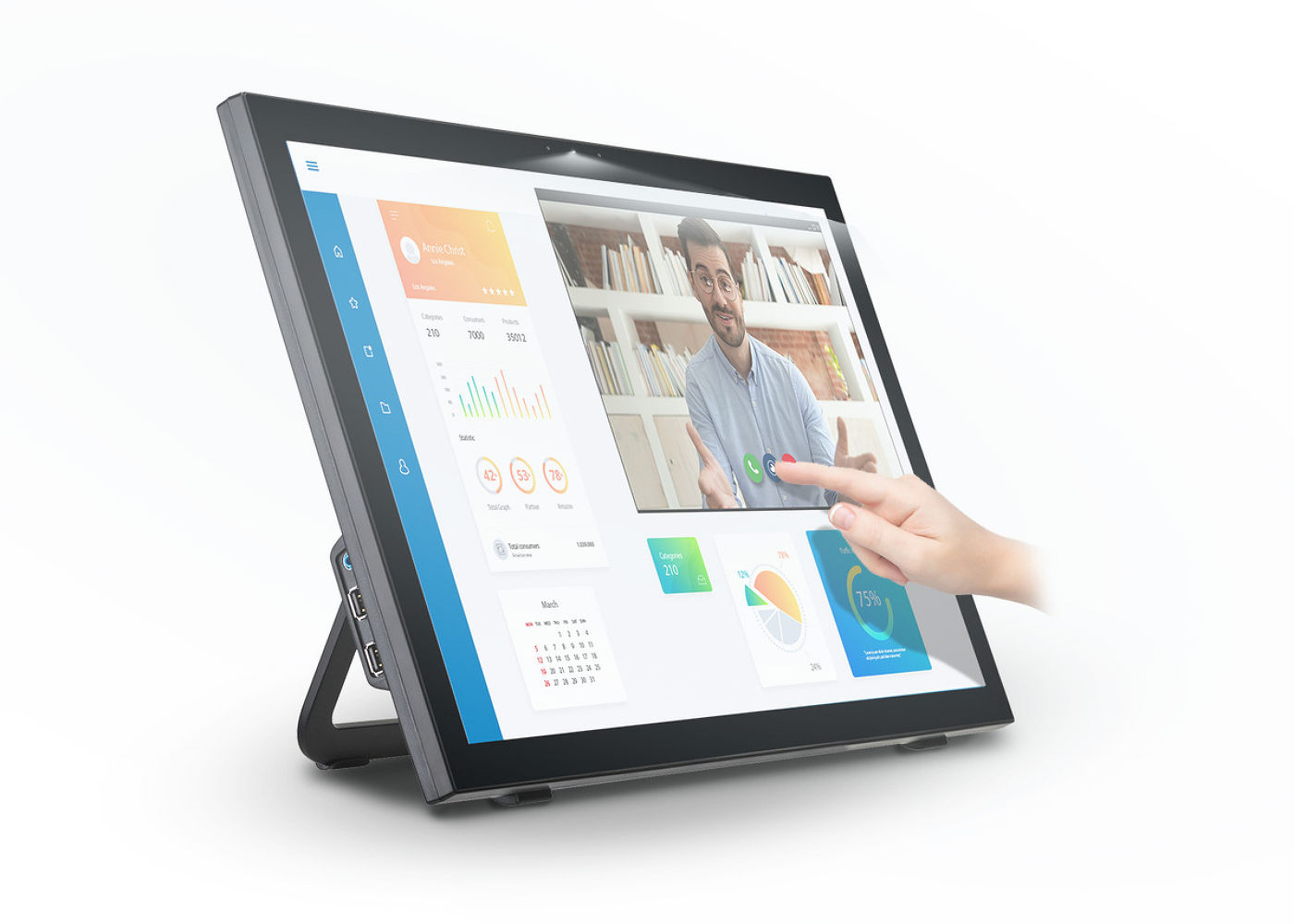
24" 10 point multi-touch monitor with edge-to-edge glass and webcam
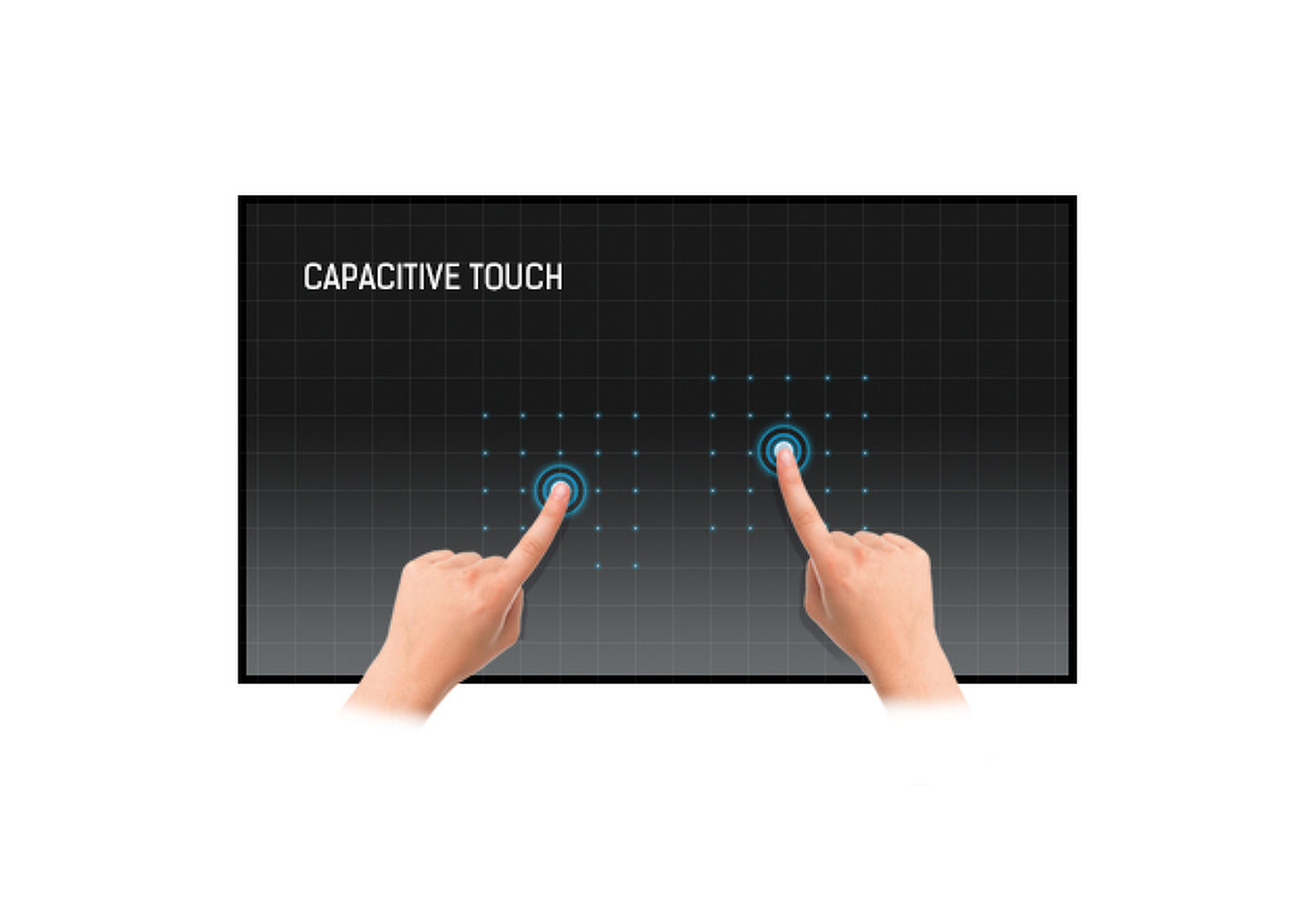
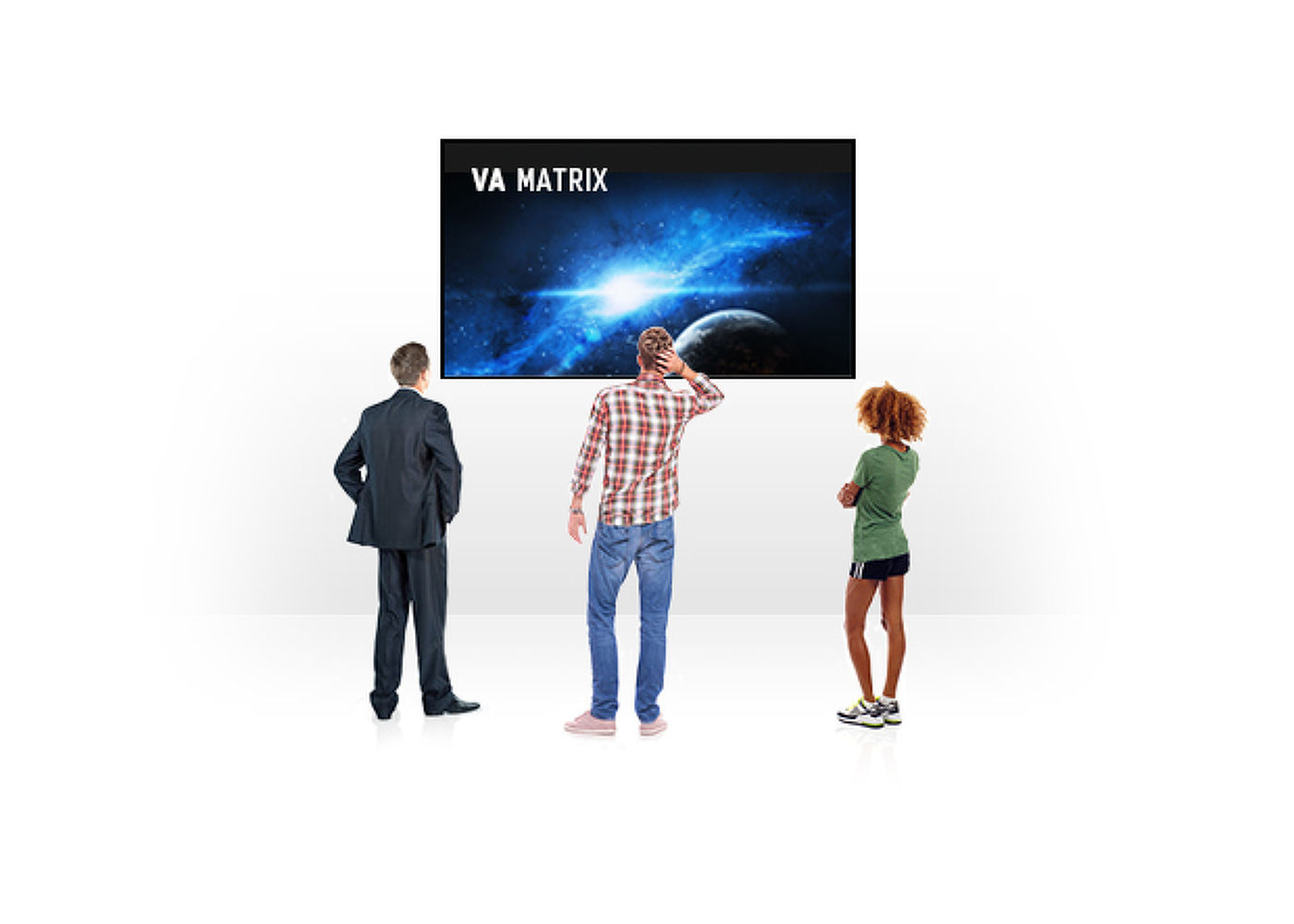
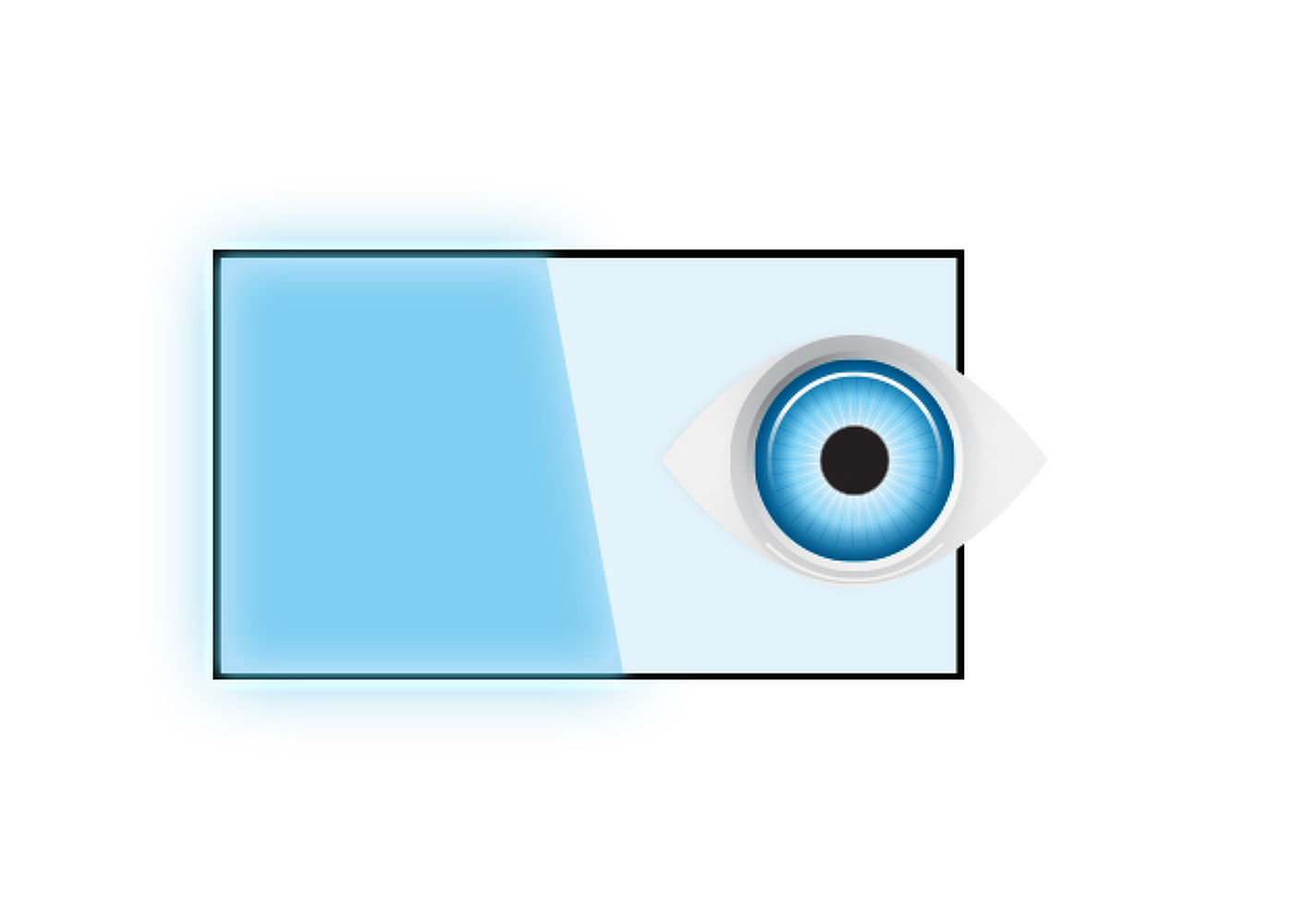
With 1920x1080 Full HD resolution and Projective Capacitive 10 point touch technology, the ProLite T2435MSC delivers seamless and accurate touch response. Featuring VA LED-backlit LCD screen technology, it offers exceptional colour performance and wide viewing angles, making it an excellent choice for a vast array of demanding interactive applications. Users can benefit from its hinged stand allowing the monitor to lay down completely flat for use as a giant tablet. The T2435MSC comes equipped with several video inputs and a USB 2.0 HUB as well as integrated stereo speakers delivering good quality sound. An ideal screen for Interactive Digital Signage, InStore Retail, Gaming and Interactive Presentations purposes.
| Design | Edge to edge glass |
| Diagonal | 23.6", 59.8cm |
| Panel | VA LED |
| Native resolution | 1920 x 1080 (2.1 megapixel Full HD) |
| Aspect ratio | 16:9 |
| Panel brightness | 250 cd/m² |
| Brightness | 215 cd/m² with touch |
| Light transmittance | 85% |
| Static contrast | 3 000:1 |
| Advanced contrast | 12M:1 |
| Response time (GTG) | 6ms |
| Viewing zone | horizontal/vertical: horizontal°/vertical 178°, right/left: 0°/0°, up/down: 0°/0° |
| Colour support | 16.7mln |
| Horizontal Sync | 30 - 80kHz |
| Viewable area W x H | 521.28 x 293.22mm, 20.5 x 11.5" |
| Pixel pitch | 0.272mm |
| Bezel colour and finish | black, matte |
| Touch technology | projective capacitive |
| Touch points | 10 (HID, only with supported OS) |
| Touch method | stylus, finger, glove (latex) |
| Touch interface | USB |
| Supported operating systems | All iiyama monitors are Plug & Play and compatible with Windows and Linux. For details regarding the supported OS for the touch models, please refer to the driver instruction file available in the downloads section. |
| Digital signal input | DVI x1 HDMI x1 DisplayPort x1 |
| Audio output | Mini jack x1 Speakers 2 x 1W |
| USB HUB | x2 (v.2.0) |
| Extra | integrated webcam and microphone |
| Glass hardness | 7H |
| OSD key lock | yes |
| OSD languages | EN, DE, FR, CN, RU, JP, CZ, NL, PL |
| Control buttons | Menu, Scroll up/ Audio Adjust, Scroll down/ i-Style Colour, Select/ Input select, Power |
| User controls | picture adjust (contrast, brightness, ACR, ECO mode, overdrive), input select, audio adjust (volume, mute, audio input), colour adjust, information, manual image adjust (sharpness, video mode adjust, blue light reducer, X-res technology), setup menu (language, OSD position, OSD time out, OSD background, opening logo, LED), memory recall |
| Convenience | Kensington-lock™ prepared |
| Plug&Play | DDC2B |
| Tilt angle | 15° up; 70° down |
| VESA mounting | 100 x 100mm |
| Cables | power, DVI, USB, Audio, mDP - DP |
| Guides | quick start guide, safety guide |
| Power supply unit | internal |
| Power supply | AC 100 - 240V, 50/60Hz |
| Power usage | 24.1W typical, 0.38W stand by, 0.32W off mode |
| Regulations | CE, TÜV-Bauart, VCCI-B, PSE, RoHS support, ErP, WEEE, CU, REACH |
| Energy efficiency class (Regulation (EU) 2017/1369) | F |
| REACH SVHC | above 0.1%: Lead |
| Product dimensions W x H x D | 571 x 347.5 x 44.5mm |
| Weight (without box) | 6.2kg |
| EAN code | 4948570114467 |
| Warranty | Product | Cover |
| Visioncare | Desktop LCD products (Monitors) (17" - 43") |
3 years on-site UK warranty. (Upgrades to 5 years available) |
| Touchcare |
LCD touchscreen products | 3 years repair and return. (Upgrades to on-site & 5 years available) |
| LFD | Large Format Displays Standard Warranty |
3 years collect and return (Upgrade to swap, installation & 5 years available) Download |
HOW TO ACTIVATE YOUR WARRANTY
There is no need to pre-register your warranty, just follow the six simple steps below to activate your warranty should the need arise. First-class service is assured by our experienced engineers and customer service helpdesk.
Step one - Check that all connections have been properly made.
Step two - Check the set-up in the user manual. Wherever possible, please try to check your iiyama product with alternate equipment before contacting the iiyama customer service help desk.
Step three - If the fault cannot be cured by the above means, call the iiyama customer service helpdesk on 01926 819 189. Please have ready to hand the following details: model number, serial number and date of purchase*. Or fill in the Service Request Form.
Step four - Your fault will be registered and you will be issued with a returns number, which you must quote on all paperwork relating to the defective unit.
Step five - Please retain any of your leads and manuals. Replacement/returned units will not include these sundry items.
Step six - Please ensure your product is clean and presentable before packaging it in the original box for collection.
* Proof of purchase may be required
ON-SITE SWAP OUT
PIONEERING CUSTOMER SERVICE.
Compare picture quality, touchscreen performance, software and connectivity with guidance from a commercial display specialist.
Access project pricing, volume discounts, product sourcing support and faster commercial quotations for your client projects.
Access education pricing, purchase-order support, installation services and account management for schools, academies, colleges, universities, NHS organisations, councils and government bodies.