





Book a Free Product Demonstration
Compare picture quality, touchscreen performance, software and connectivity with guidance from a commercial display specialist.
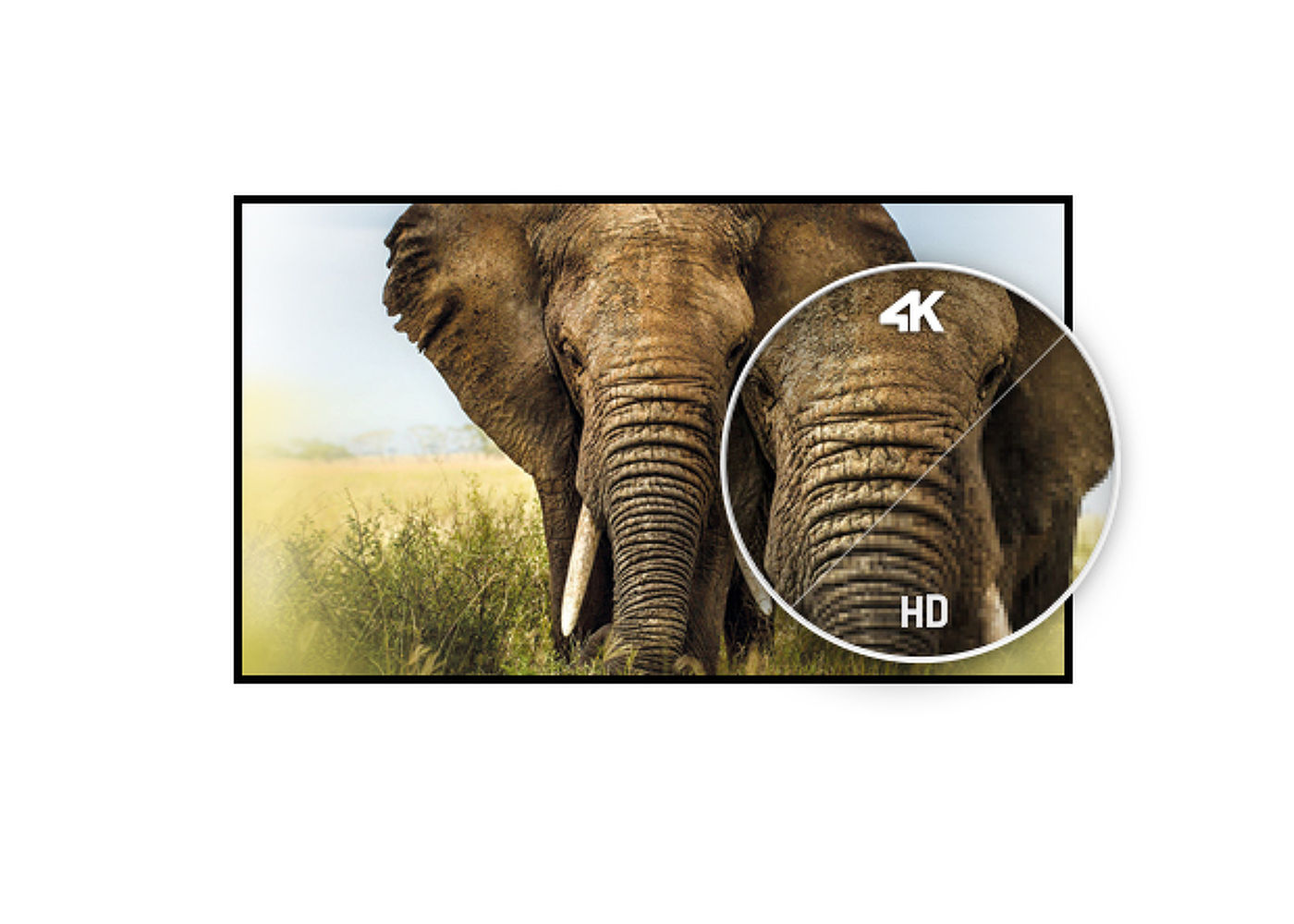
32'' VA panel with 4K resolution
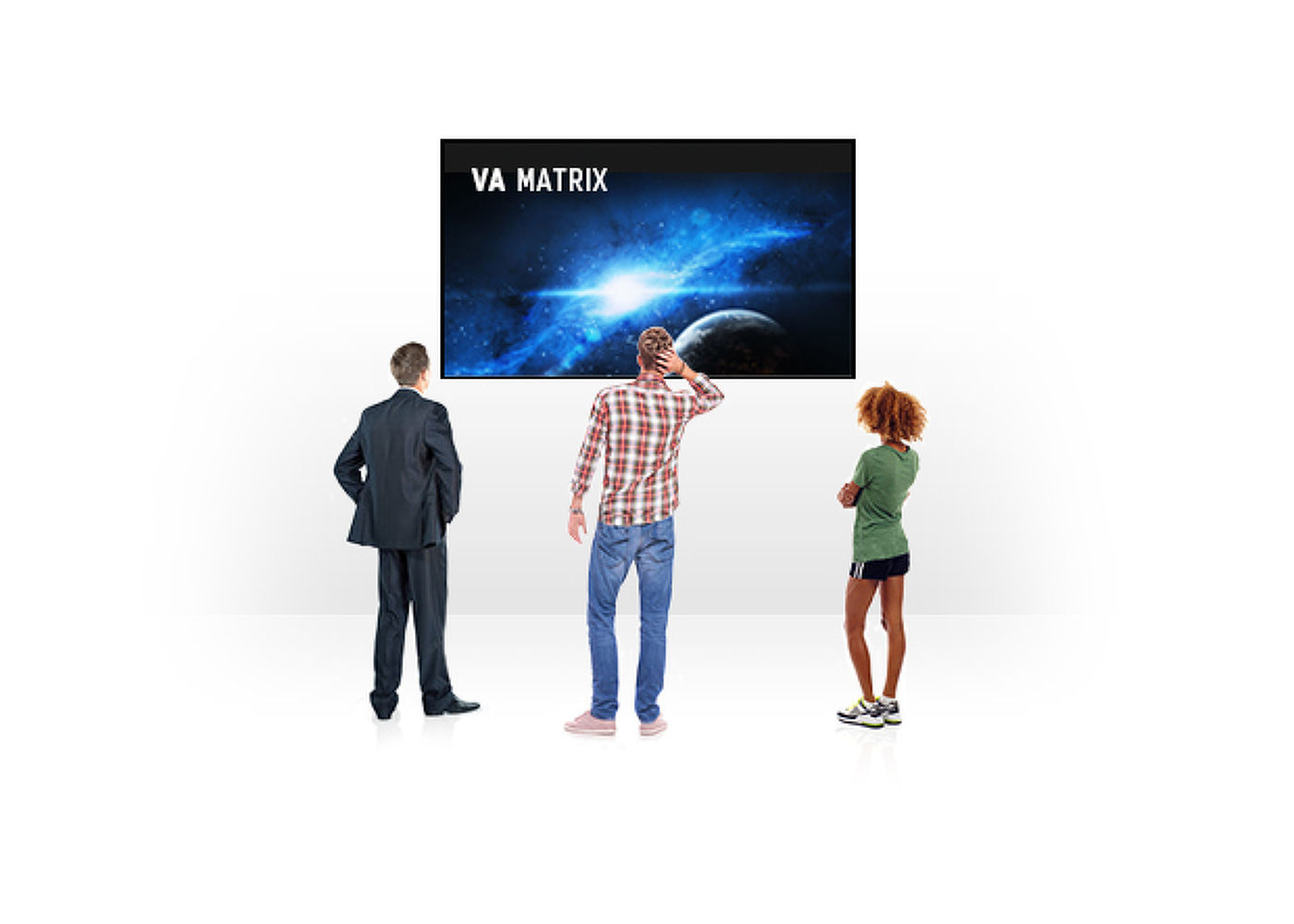
The ProLite XB3288UHSU-B1 is a 32’’ 4K monitor capable of displaying 4 times more information than a Full HD screen. It will hence suit a massive range of applications requiring an above average viewable area, like desktop publishing, CAD/CAM drawing, data virtualization, photographic and web design. The VA panel technology offers exceptional colour performance, high contrast and wide viewing angles. HDMI, DisplayPort and a headphone socket ensure compatibility across various devices and media platforms. The height adjustable stand ensures you can easily adjust the screen position to your preferences.
| Diagonal | 31.5", 80cm |
| Panel | VA, matte finish |
| Native resolution | 3840 x 2160 @60Hz (8.3 megapixel 4K UHD) |
| Aspect ratio | 16:9 |
| Panel brightness | 300 cd/m² |
| Static contrast | 3000:1 |
| Advanced contrast | 80M:1 |
| Response time (GTG) | 3ms |
| Viewing zone | horizontal/vertical: 178°/178°, right/left: 89°/89°, up/down: 89°/89° |
| Colour support | 1.07B 10bit (NTSC: 95%) |
| Horizontal Sync | 30 - 135kHz |
| Viewable area W x H | 698.4 x 392.9mm, 27.5 x 15.5" |
| Pixel pitch | 0.181mm |
| Colour | matte |
| Signal input | HDMI x2 (v.2.0) DisplayPort x1 (v.1.2) |
| USB HUB | x2 (v.3.0) |
| HDCP | yes |
| Headphone connector | yes |
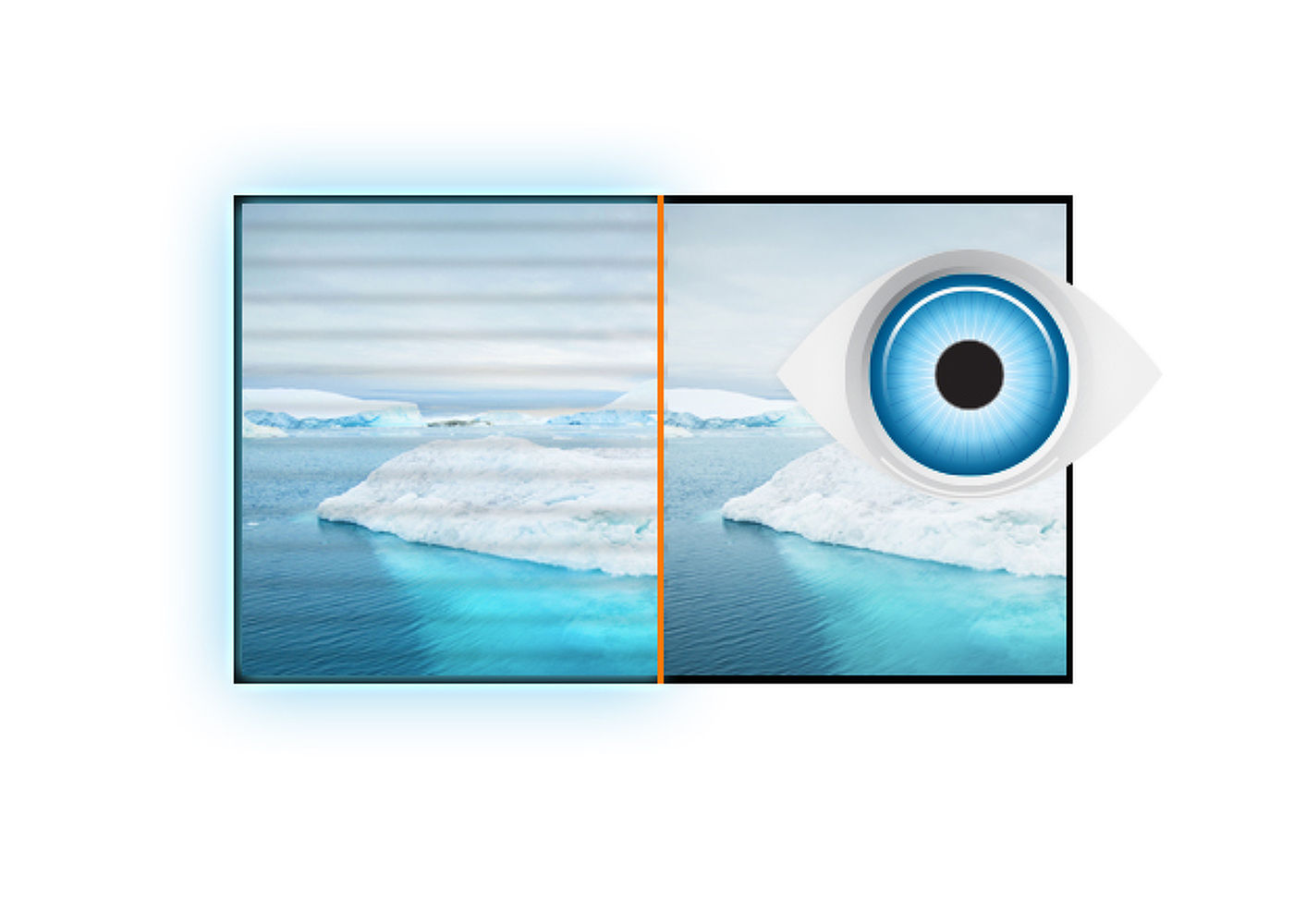
| Blue light reducer | yes |
| Flicker free | yes |
| FreeSync support | @38~60Hz |
| HDR | yes |
| OSD languages | EN, DE, FR, IT, RU, JP, CZ, NL, PL |
| Control buttons | power/Menu, Scroll up/Input select, Scroll down, Left/ECO mode, Right/Volume |
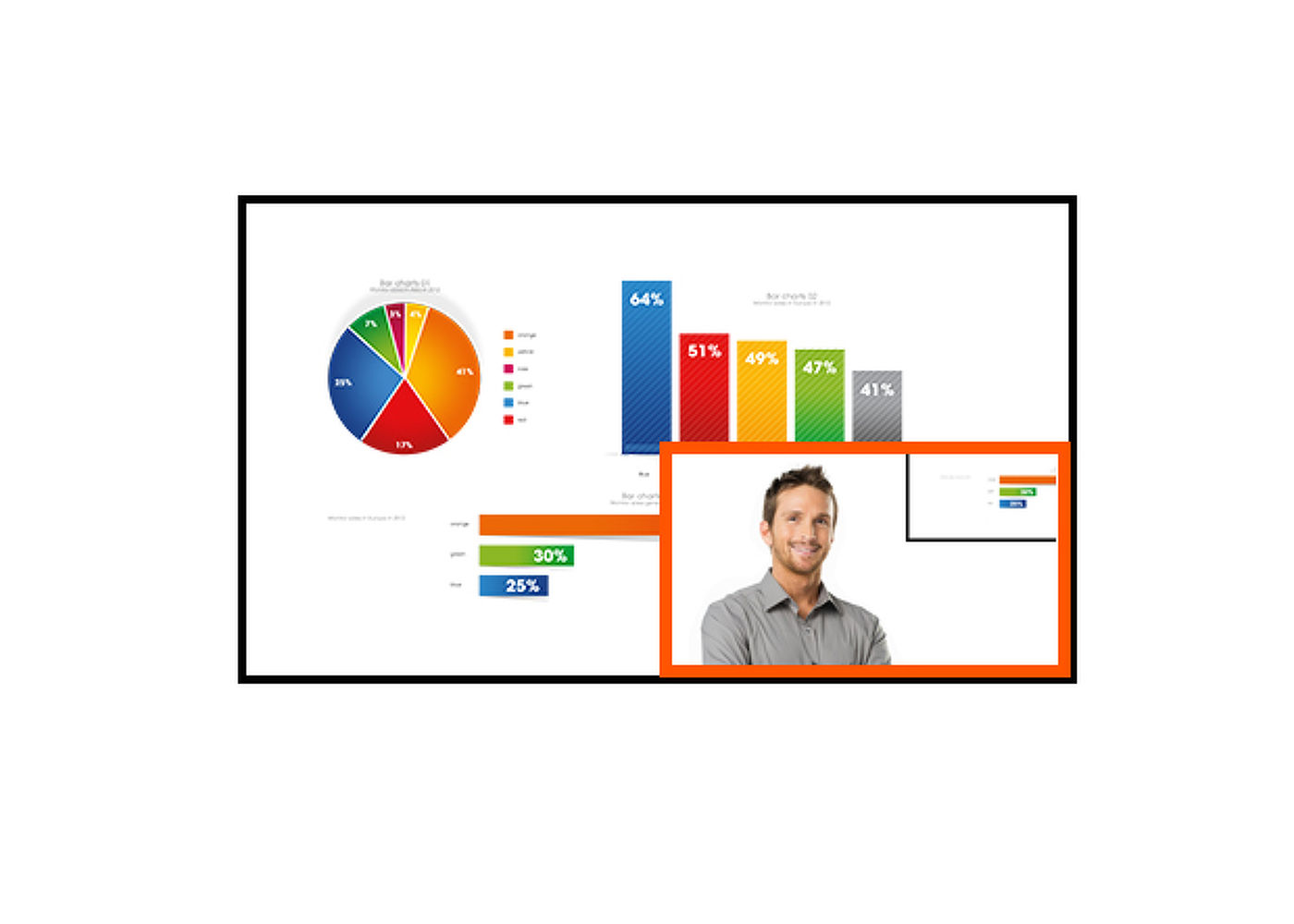
| User controls | picture (picture format, brightness, contrast, black tuner, sharpness, OD, ACR, ECO mode, X-Res Technology), colour (warm, normal, cool, user colour, i-Style colour, blue light reducer), PiP/PbP (mode, sub win input, PiP size, PiP position, swap), input select, audio (volume, mute, audio input), language , OSD settings ( OSD H. position, OSD V. position, OSD background, OSD time out), setup menu (DP format, HDMI RGB range, HDR, FreeSync, opening logo, LED, auto pow. off, memory recall, information) |
| Speakers | 2 x 3W |
| Convenience | Kensington-lock™ prepared, DDC/CI, Mac OSX |
| Display position adjustments | height, swivel, tilt |
| Height adjustment | 130mm |
| Swivel stand | 90°; 45° left; 45° right |
| Tilt angle | 22° up; 3° down |
| VESA mounting | 100 x 100mm |
| Operation temperature range | 5°C - 35°C |
| Storage temperature range | - 20°C - 60°C |
| Cables | power, USB, HDMI, DP |
| Other | quick start guide, safety guide |
| Power supply unit | internal |
| Power supply | AC 100 - 240V, 50/60Hz |
| Power usage | 47W typical, 0.5W stand by, 0.5W off mode |
| Regulations | CE, TÜV-Bauart, EAC, VCCI-B, PSE, RoHS support, ErP, WEEE, EPEAT, REACH |
| Energy efficiency class (Regulation (EU) 2017/1369) | G |
| REACH SVHC | above 0.1%: Lead |
| Product dimensions W x H x D | 730 x 458.5 (578.5) x 230mm |
| Box dimensions W x H x D | 810 x 215 x 509mm |
| Weight (without box) | 8.9kg |
| EAN code | 4948570116966 |
| Mounts/stands/brackets | MD BRPCV04 |
| Warranty | Product | Cover |
| Visioncare | Desktop LCD products (Monitors) (17" - 43") |
3 years on-site UK warranty. (Upgrades to 5 years available) |
| Touchcare |
LCD touchscreen products | 3 years repair and return. (Upgrades to on-site & 5 years available) |
| LFD | Large Format Displays Standard Warranty |
3 years collect and return (Upgrade to swap, installation & 5 years available) Download |
HOW TO ACTIVATE YOUR WARRANTY
There is no need to pre-register your warranty, just follow the six simple steps below to activate your warranty should the need arise. First-class service is assured by our experienced engineers and customer service helpdesk.
Step one - Check that all connections have been properly made.
Step two - Check the set-up in the user manual. Wherever possible, please try to check your iiyama product with alternate equipment before contacting the iiyama customer service help desk.
Step three - If the fault cannot be cured by the above means, call the iiyama customer service helpdesk on 01926 819 189. Please have ready to hand the following details: model number, serial number and date of purchase*. Or fill in the Service Request Form.
Step four - Your fault will be registered and you will be issued with a returns number, which you must quote on all paperwork relating to the defective unit.
Step five - Please retain any of your leads and manuals. Replacement/returned units will not include these sundry items.
Step six - Please ensure your product is clean and presentable before packaging it in the original box for collection.
* Proof of purchase may be required
ON-SITE SWAP OUT
PIONEERING CUSTOMER SERVICE.
Compare picture quality, touchscreen performance, software and connectivity with guidance from a commercial display specialist.
Access project pricing, volume discounts, product sourcing support and faster commercial quotations for your client projects.
Access education pricing, purchase-order support, installation services and account management for schools, academies, colleges, universities, NHS organisations, councils and government bodies.