






iiyama ProLite T1521MSC-B1 15" PCAP Touch Screen Monitor
SKU: T1521MSC-B1
£233.71 (Excl. VAT)
£233.71 (Excl. VAT)
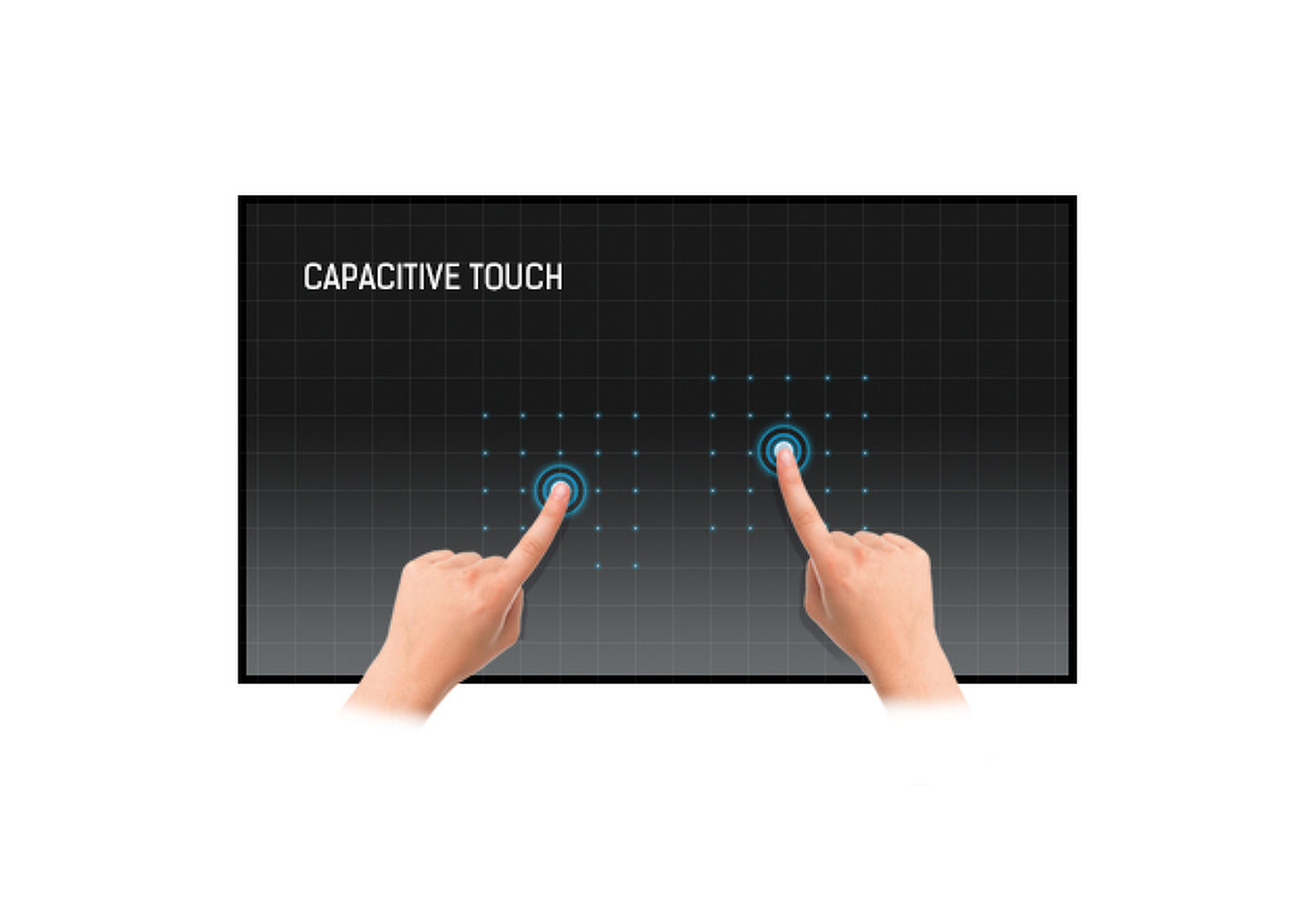
15" Projective Capacitive 10pt touchscreen
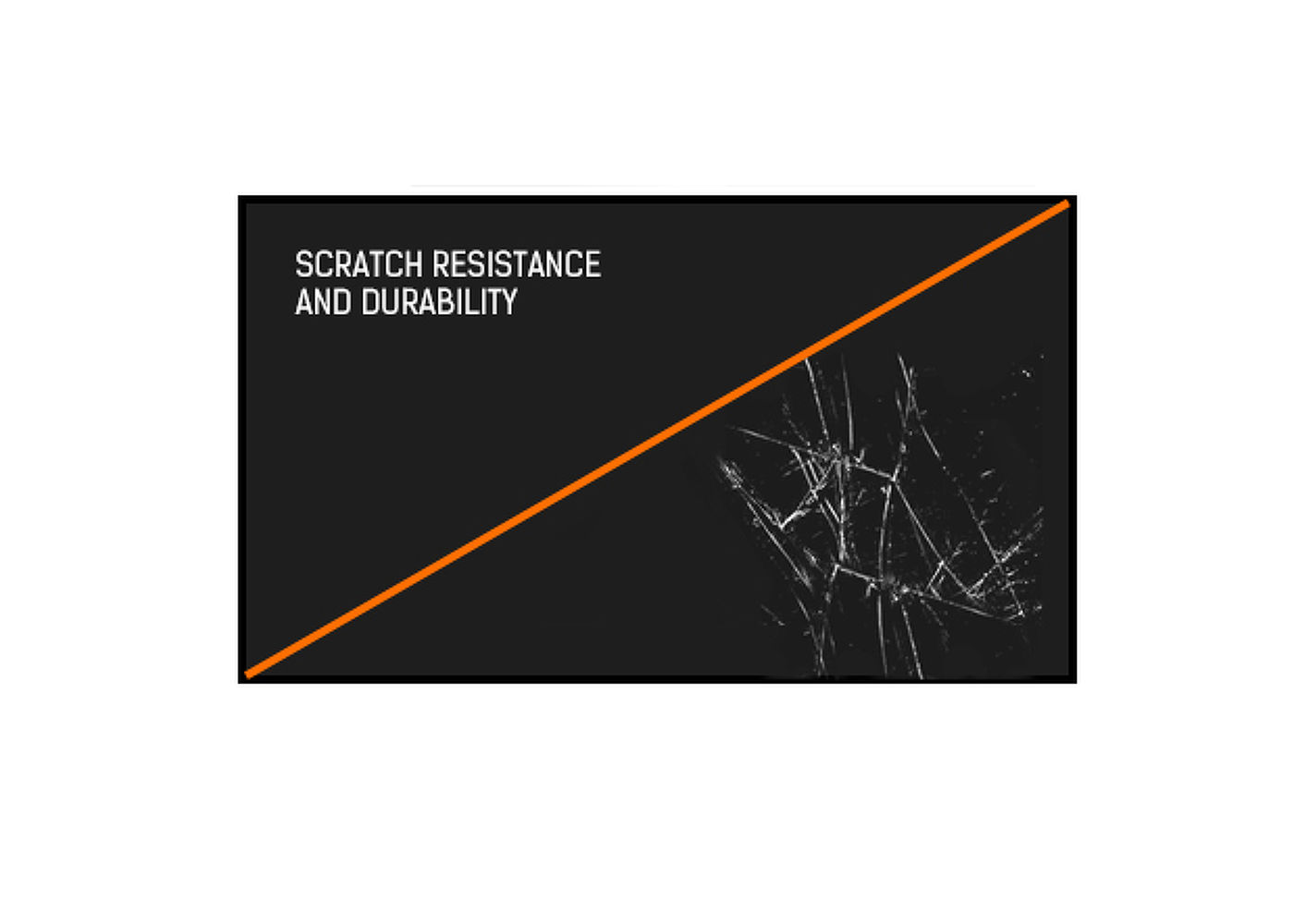
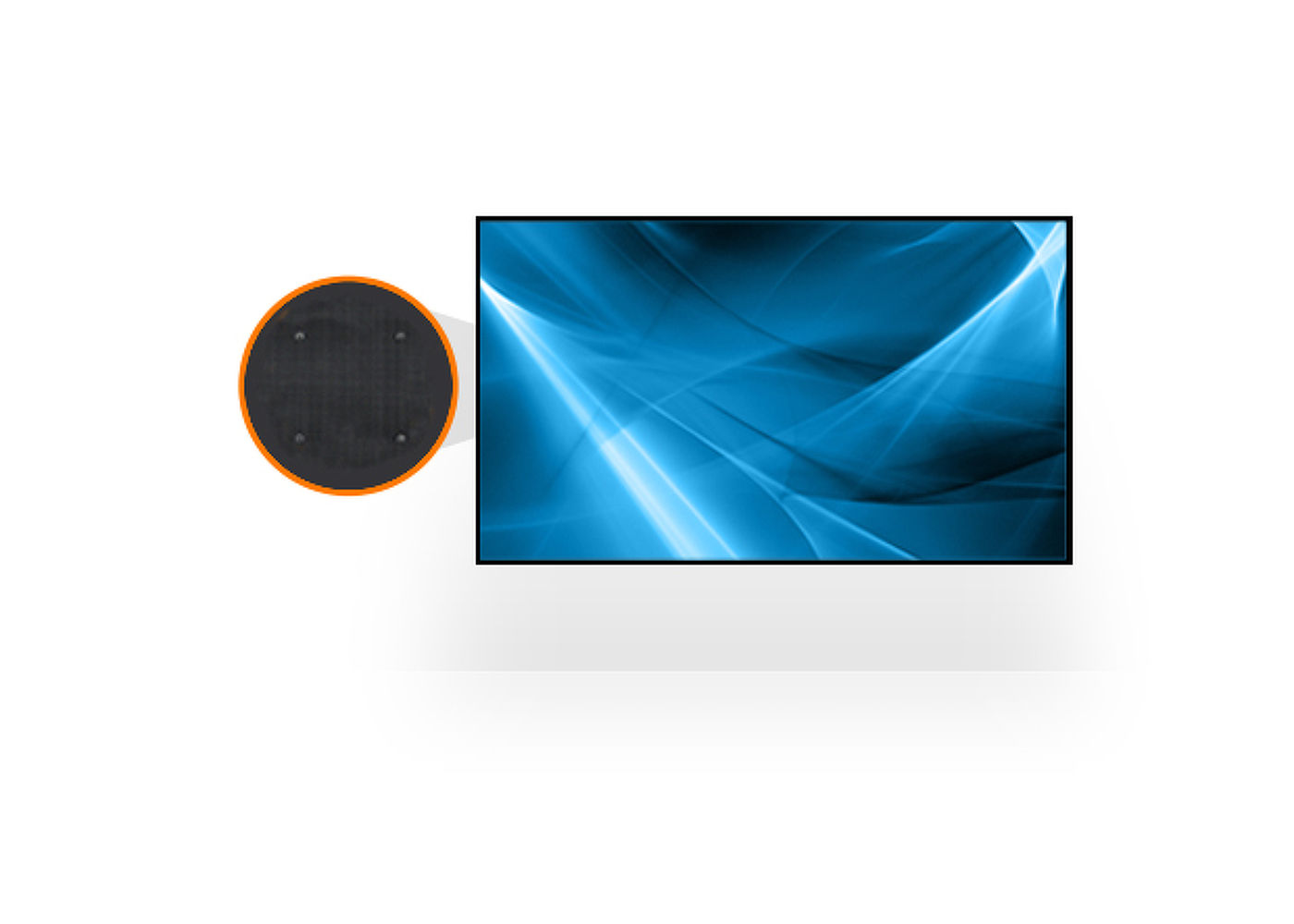
The ProLite T1521MSC-B1 15” touchscreen is based on projected capacitive technology, offering optimal seamless and accurate touch response. Due to its glass overlay, it guarantees high durability, scratch-resistance and perfect picture performance. A solid and steady base supports the touchscreen with an adjustable stand offering up to 80 degree tilt angles. Menu buttons are located on the back of the screen which can be locked to prevent tampering, and includes a handy function to deactivate the touchscreen for cleaning. The ProLite T1521MSC-B1 is an incredibly powerful touch solution, perfect for instore retail purposes.
| Design | Edge to edge glass |
| Diagonal | 15", 38cm |
| Panel | TN LED |
| Native resolution | 1024 x 768 (0.8 megapixel) |
| Aspect ratio | 4:3 |
| Panel brightness | 370 cd/m² |
| Brightness | 325 cd/m² with touch |
| Light transmittance | 88% |
| Static contrast | 800:1 |
| Response time (GTG) | 8ms |
| Viewing zone | horizontal/vertical: 170°/160°, right/left: 85°/85°, up/down: 80°/80° |
| Colour support | 16.7mln |
| Horizontal Sync | 31.4 - 60kHz |
| Viewable area W x H | 304 x 228mm, 12 x 9" |
| Pixel pitch | 0.297mm |
| Bezel colour and finish | black, matte |
| Touch technology | projective capacitive |
| Touch points | 10 (HID, only with supported OS) |
| Touch method | stylus, finger, glove (latex) |
| Touch interface | USB |
| Supported operating systems | All iiyama monitors are Plug & Play and compatible with Windows and Linux. For details regarding the supported OS for the touch models, please refer to the driver instruction file available in the downloads section. |
| Analog signal input | VGA x1 |
| Audio output | Speakers 2 x 2W |
| Glass thickness | 1.2mm |
| Water and dust protection | IP3 (front) |
| OSD key lock | yes |
| OSD languages | EN, DE, FR, ES, IT, RU, JP, NL |
| Control buttons | Menu, Up/Left auto adjustment button, Down/Right button, Return/Exit button, Power |
| User controls | Picture (backlight, brightness, contrast, sharpness), display (auto adjustment, H position, V position, pixel clock, phase), color (color temp, picture mode), audio (volume, mute), other (reset, OSD time, OSD H position, OSD V position, language) |
| Plug&Play | DDC2B |
| Tilt angle | 70° up; 10° down |
| VESA mounting | 75 x 75mm |
| Cable management system | yes |
| Cables | power, VGA, USB |
| Guides | quick start guide, safety guide |
| Other | AC adapter, mylar sheet (for VESA mount) |
| Power supply unit | external |
| Power supply | DC 12 V |
| Power usage | 20W typical, 0.5W stand by, 0.5W off mode |
| Regulations | CB, CE, RoHS support, ErP, WEEE, CU, cULus, REACH |
| Energy efficiency class (Regulation (EU) 2017/1369) | E |
| REACH SVHC | above 0.1%: Lead |
| Product dimensions W x H x D | 340.5 x 308 x 198mm |
| Weight (without box) | 3.5kg |
| EAN code | 4948570114412 |
| Warranty | Product | Cover |
| Visioncare | Desktop LCD products (Monitors) (17" - 43") |
3 years on-site UK warranty. (Upgrades to 5 years available) |
| Touchcare |
LCD touchscreen products | 3 years repair and return. (Upgrades to on-site & 5 years available) |
| LFD | Large Format Displays Standard Warranty |
3 years collect and return (Upgrade to swap, installation & 5 years available) Download |
HOW TO ACTIVATE YOUR WARRANTY
There is no need to pre-register your warranty, just follow the six simple steps below to activate your warranty should the need arise. First-class service is assured by our experienced engineers and customer service helpdesk.
Step one - Check that all connections have been properly made.
Step two - Check the set-up in the user manual. Wherever possible, please try to check your iiyama product with alternate equipment before contacting the iiyama customer service help desk.
Step three - If the fault cannot be cured by the above means, call the iiyama customer service helpdesk on 01926 819 189. Please have ready to hand the following details: model number, serial number and date of purchase*. Or fill in the Service Request Form.
Step four - Your fault will be registered and you will be issued with a returns number, which you must quote on all paperwork relating to the defective unit.
Step five - Please retain any of your leads and manuals. Replacement/returned units will not include these sundry items.
Step six - Please ensure your product is clean and presentable before packaging it in the original box for collection.
* Proof of purchase may be required
ON-SITE SWAP OUT
PIONEERING CUSTOMER SERVICE.
Compare picture quality, touchscreen performance, software and connectivity with guidance from a commercial display specialist.
Access project pricing, volume discounts, product sourcing support and faster commercial quotations for your client projects.
Access education pricing, purchase-order support, installation services and account management for schools, academies, colleges, universities, NHS organisations, councils and government bodies.
Apply for a Screen Moove trade account and unlock exclusive pricing on commercial displays, digital signage, LED displays, mounting solutions and professional AV products.
Speak directly with Screen Moove about your display, digital signage, meeting-room or AV project.
Speak directly with a dedicated Screen Moove expert and get the right solution first time.
Simply complete our contact form, and we will promptly respond to your inquiries.
If you have any questions or enquiry, please fill out the form below with all of your details and we'll get back to you shortly.
Contact our team of experts today!