




Interactive Displays for Schools and Education
Discover high-quality interactive displays for education including interactive screens for nursery schools, primary schools, secondary schools, colleges and universities. ScreenMoove supplies dependable education interactive displays designed for early years settings, classrooms, seminar rooms, lecture spaces and staff collaboration areas.
Whether you need a smaller interactive teaching screen for younger learners, a flexible classroom touchscreen for primary and secondary education, or a large-format collaborative display for colleges and universities, ScreenMoove can help you choose the right fit.

What are interactive displays for education?
Interactive displays for education are commercial-grade touchscreen screens used to support teaching, collaboration, annotation, presentations and hybrid learning. They are widely used in nurseries, primary schools, secondary schools, colleges and universities because they combine large-format visibility with touch control, software compatibility and flexible classroom functionality.
Why interactive displays matter in education
The right interactive screen can make lessons more engaging, improve collaboration, support clear presentation of content and help education spaces modernise learning environments with technology that teachers can use every day.
- Touchscreen interaction for more engaging lessons
- Supports whiteboarding, annotation and collaboration
- Ideal for classrooms, seminar rooms and training spaces
- Works well for nursery schools, schools, colleges and universities
Where education interactive displays are used
Interactive displays are used across a wide range of education spaces, from early years learning areas to advanced seminar and teaching environments.
- Nursery and early years teaching spaces
- Primary and secondary classrooms
- Colleges, sixth forms and seminar rooms
- Universities, training spaces and collaboration hubs
New in interactive displays
Explore new interactive screens for schools, colleges and universities, including the latest education touchscreen displays and new classroom-ready panel launches.
 New In
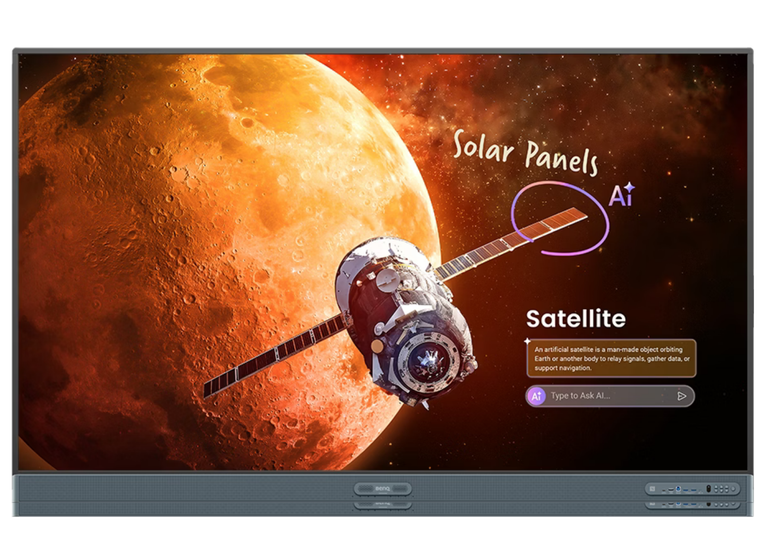
BenQ Board Pro 86" EDLA Certified Touchscreen
A new large-format interactive display for education environments that need modern software support, strong visibility and collaborative teaching tools.
View Product →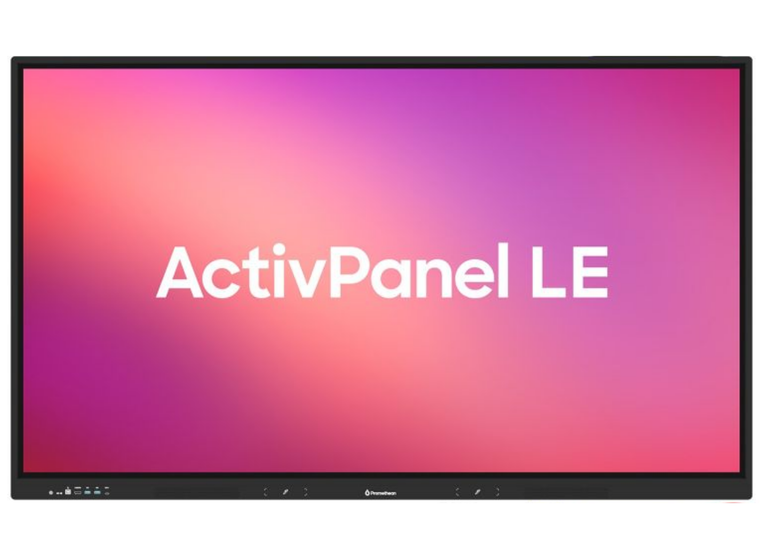 New In
Promethean ActivPanel LE 75" Android 14 EDLA
A new Promethean option for education buyers looking for a strong mid-to-large classroom interactive display with modern Android support.
View Product →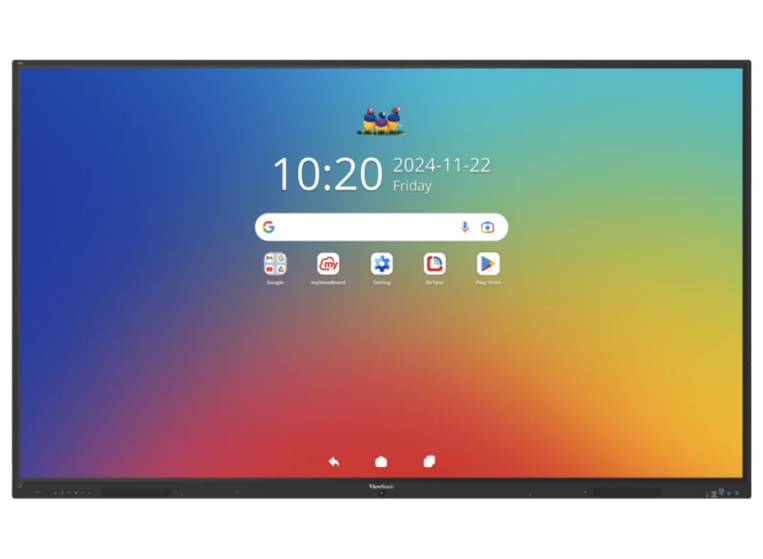 New In
ViewSonic ViewBoard 86" EDLA Android 16
A new interactive display for large classrooms and shared learning environments where the latest platform support is a key priority.
View Product →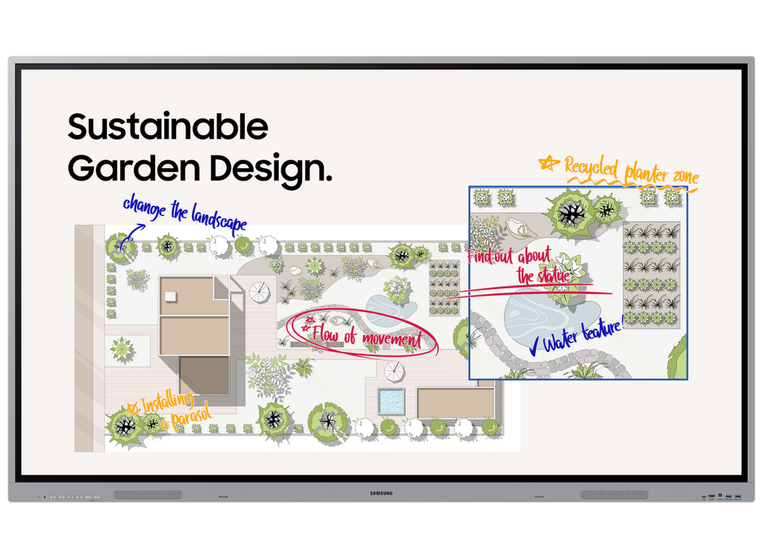 New In
Samsung 86" OS-Free Interactive Display
A new large-format Samsung touchscreen display for education settings that prefer flexible external software and system control.
View Product →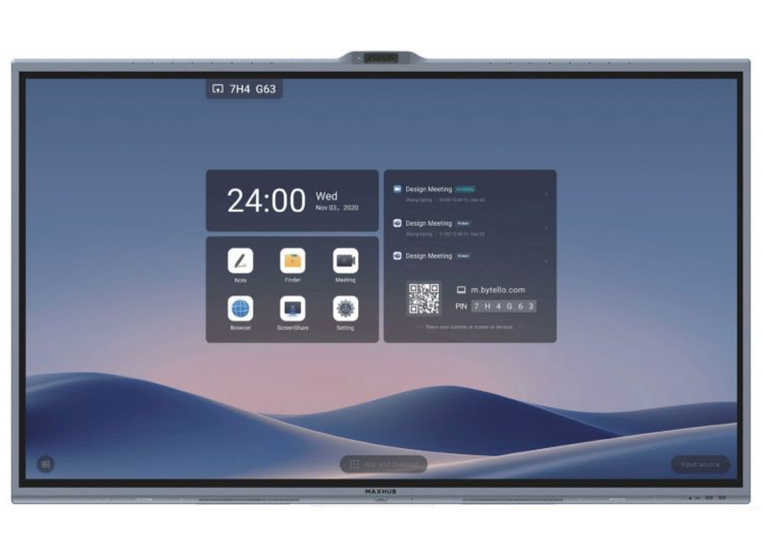 New In
MAXHUB XBoard 55" All-in-One Display
A new compact interactive display for classrooms, breakout spaces and shared teaching areas where an all-in-one approach is ideal.
View Product →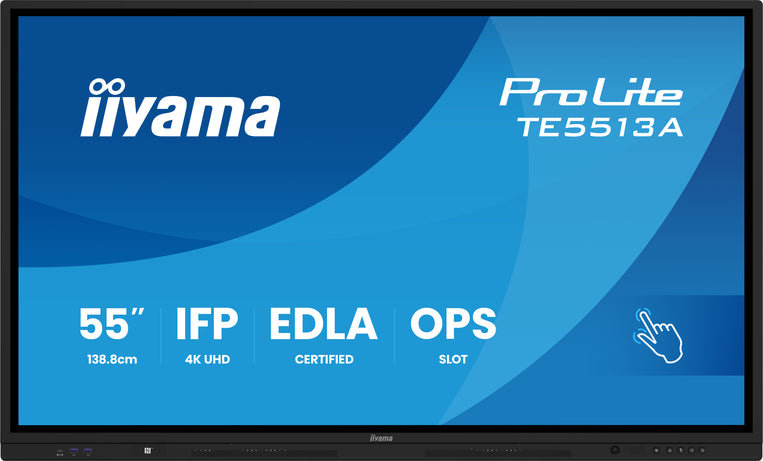 New In
iiyama ProLite 55" Google EDLA Display
A new iiyama interactive display for schools and colleges wanting a modern classroom touchscreen with Google EDLA capability.
View Product →Why interactive displays work so well in education
Interactive displays remain one of the strongest choices for education because they combine visibility, ease of use and modern teaching functionality. They help create more collaborative lessons, clearer presentations and more flexible digital learning environments across different age groups.
Better lesson engagement
Touch-enabled teaching helps students engage more actively with content, making lessons feel more interactive and collaborative.
Clear classroom visibility
Large 4K displays help teachers present content clearly across the room for improved visibility and comprehension.
Flexible teaching tools
Annotation, screen sharing, app support and whiteboarding help create a more adaptable teaching setup.
Professional education technology
Commercial interactive displays are built for demanding daily use in education spaces where reliability matters.
Educational interactive displays by brand
Explore trusted brands for interactive displays for schools, colleges and universities. These education-focused touchscreen solutions are ideal for classrooms, seminar rooms, training spaces and wider learning environments.

iiyama
Strong classroom functionality, Android-based flexibility and dependable daily performance.
Shop iiyama →
Samsung
Intuitive touch functionality, strong image quality and trusted commercial display design.
Shop Samsung →
Hisense
Practical touchscreen options for classrooms, shared learning environments and colleges.
Shop Hisense →
Smartboard
Strong education heritage, collaborative teaching tools and classroom-ready usability.
Shop Smartboard →
Vestel
Dependable classroom use and practical day-to-day teaching environments.
Shop Vestel →
LG
Strong image quality, clean design and flexible touchscreen solutions for education.
Shop LG →
V7
Suited to classrooms, collaboration spaces and wider teaching environments.
Shop V7 →
Promethean
Built for teaching, collaboration and digital classroom delivery.
Shop Promethean →
Newline
Practical collaborative features for classrooms and training areas.
Shop Newline →
NEC
Designed for professional education use and dependable screen performance.
Shop NEC →
Hikvision
Touchscreen collaboration features for teaching spaces.
Shop Hikvision →
Vivitek
Touchscreen teaching options for everyday education use.
Shop Vivitek →
Yealink
Strong collaboration potential for education environments.
Shop Yealink →Interactive displays for every age group
Different education settings need different teaching technology. Interactive displays can support early years learning, primary collaboration, secondary lesson delivery, college presentations and university seminar teaching, but the ideal screen size, feature set and usage style can vary by age group.

Nursery schools and early years settings
In nursery schools and early years environments, interactive displays can support group engagement, visual learning, phonics, storytelling, simple touch interaction and shared classroom activities. Smaller or carefully positioned screens can help younger learners interact safely and naturally.
- Useful for songs, visual prompts and simple touch tasks
- Supports small group learning and teacher-led activities
- Helps make lessons more visual and engaging

Primary schools
Interactive displays for primary schools can help teachers deliver more dynamic lessons in literacy, maths, science and topic-based learning. Touchscreen teaching makes it easier to involve pupils directly, while large visuals help keep the whole class engaged.
- Strong for whole-class teaching and guided learning
- Supports annotation, visual explanation and collaboration
- Popular in classrooms where engagement matters

Secondary schools and high schools
Secondary schools and high schools often need interactive displays that can support more detailed lesson content, stronger software integration and reliable performance across different subjects and teaching styles. Compare the full range of secondary school interactive displays to find the right fit.
- Ideal for diagrams, data, presentations and visual explanation
- Useful across science, maths, humanities and language teaching
- Good fit for larger classrooms and mixed teaching methods
Colleges and sixth forms
Colleges and sixth forms often use interactive displays for more presentation-led teaching, collaborative workshops, technical subjects and flexible classroom sessions. Touch-enabled screens can support both tutor-led explanation and learner participation.
- Strong for presentations, collaboration and technical teaching
- Useful in sixth form classrooms and college seminar spaces
- Supports more independent and workshop-style learning
Interactive displays for universities and seminar teaching
Universities often need interactive displays for seminar rooms, collaborative teaching spaces, professional training environments and small-group presentation settings. In these spaces, the focus is often on flexibility, content sharing, annotation and discussion rather than only traditional classroom presentation. Explore interactive displays for seminar and conference rooms.
Higher education buyers may prioritise larger screen sizes, stronger connectivity, high-resolution visuals, multi-user touch capability and software compatibility for modern teaching workflows. Interactive displays can also work well in faculty spaces, presentation rooms and staff training environments where clear collaboration matters.
- Ideal for seminar rooms and collaborative learning environments
- Supports presentations, annotation and discussion-led teaching
- Useful for training, workshops and faculty collaboration

Interactive learning technology that supports real classrooms
Choosing the best interactive displays for education is not just about screen size. Schools, colleges and universities also need the right operating system, annotation tools, touch performance, connectivity and long-term usability. The strongest education interactive displays help teachers deliver lessons clearly, collaborate more naturally with students and reduce friction in day-to-day classroom use.
That is why many education buyers look for features such as 4K resolution, Android operating systems, Google EDLA support, responsive multi-touch capability, easy screen sharing and reliable commercial build quality. Whether you are upgrading a single classroom or planning a wider rollout across a trust, college or university campus, the right interactive display helps create a more professional and future-ready learning environment.
- Suitable for nursery schools, primary schools, secondary schools, colleges and universities
- Strong choice for teaching, presenting, annotating and collaboration
- Available in a range of classroom-friendly and large-format sizes
- Ideal for both single-room upgrades and larger education rollouts
FAQs about interactive displays for education
Find answers to common questions about interactive displays for nursery schools, schools, colleges and universities.
What are interactive displays for education?
Interactive displays for education are touchscreen screens used in nursery schools, primary schools, secondary schools, colleges and universities for teaching, presenting, annotation, collaboration and hybrid learning.
Are interactive displays good for schools?
Yes. Interactive displays are a strong choice for schools because they support more engaging lessons, easier collaboration and modern digital teaching methods.
Can interactive displays be used in nursery schools and early years settings?
Yes. Interactive displays can work well in early years environments when used appropriately for teacher-led activities, visual learning, songs, storytelling and simple touch interaction.
What size interactive screen is best for a classroom?
The best size depends on room size and viewing distance. Many classrooms use 55 inch, 65 inch, 75 inch or 86 inch interactive displays depending on how many students need to view the screen clearly.
Do colleges and universities use interactive displays too?
Yes. Colleges and universities use interactive displays in seminar rooms, lecture environments, collaboration hubs, training rooms and shared education spaces.
What is Google EDLA on an education interactive display?
Google EDLA helps bring approved Google services and software compatibility to supported interactive displays, which can be useful for education environments that rely on Google-based workflows.
Can ScreenMoove help choose the right education interactive display?
Yes. ScreenMoove can help schools, colleges and universities choose the right interactive display based on room type, size, software needs, teaching requirements and budget.
Need help choosing the right interactive display for education?
Whether you need an engaging screen for early years learning, a practical classroom touchscreen for a primary or secondary school, a flexible teaching display for a college, or a premium collaborative panel for a university environment, ScreenMoove can help you choose the right solution.
Talk to us about interactive displays for education
Need help finding the right interactive display for your nursery, school, college or university? Fill in the form below and the ScreenMoove team will be in touch. Or call 020 8191 9223.
Explore More Education Display Solutions
Discover a wider range of AV and digital display solutions designed for schools, colleges and universities, including signage, monitors, interactive screens and more.
View Education Display Solutions


