



Quick meetings and faster decisions without waiting for a large boardroom to become free.

Create compact meeting spaces for quick collaboration, hybrid calls, wireless presentation and small team decisions. Screen Moove designs, supplies and installs huddle room AV systems for Microsoft Teams, Zoom, Google Meet and BYOD workflows.

A huddle room is a compact, private meeting space designed for quick discussions, brainstorming, informal meetings and video conferencing. Unlike a traditional large boardroom or conference room, a huddle room is normally designed for small groups, often around 2–6 people.
The best huddle rooms are simple, flexible and ready to use. They usually include a commercial display or interactive screen, video conferencing camera, microphone, speaker, wireless presentation system and easy connection to platforms such as Microsoft Teams, Zoom, Google Meet or Cisco Webex.
For hybrid workplaces, huddle rooms are no longer just a spare small room. They are practical collaboration points where staff can quickly connect with remote colleagues, share content and make decisions without booking a large meeting room.
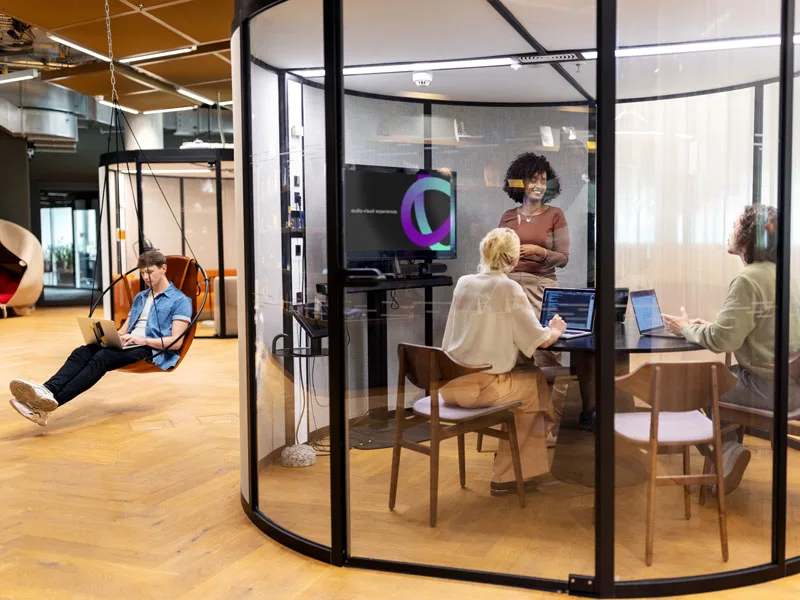
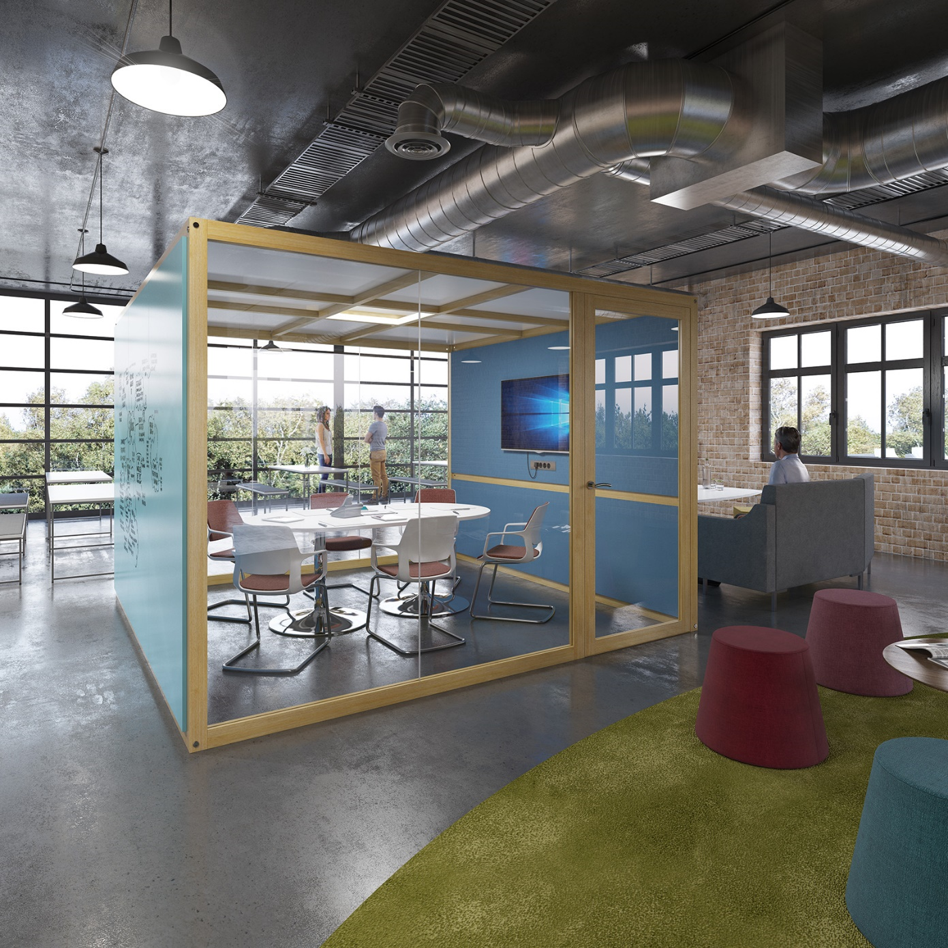
Modern offices often have fewer people in the building at the same time, but staff still need spaces where they can meet quickly, speak privately, join remote colleagues and make decisions without occupying a large conference room.
Huddle rooms help businesses improve productivity, support hybrid work, reduce pressure on boardrooms and create more flexible use of office space. They are especially valuable for open-plan offices, project teams, sales calls, quick client meetings, internal reviews and remote collaboration.
Practical point: if the camera, microphone or display is poor, people disengage. Strong audio and video make small rooms feel professional and keep remote participants included.
Quick meetings and faster decisions without waiting for a large boardroom to become free.
Smaller AV systems can deliver professional collaboration without the cost of a full conference room.
Teams can connect remote staff, clients and suppliers using the platforms they already know.
Convert underused rooms, quiet spaces and office corners into practical collaboration areas.
A huddle room should be easy to join, easy to share from and easy to support. We design each space around the people using it every day.
Small rooms and focus spaces can become productive meeting environments without needing a full boardroom setup.
Use all-in-one video bars, cameras, microphones and speakers for Teams, Zoom, Google Meet, Webex or BYOD meetings.
Beamforming microphones, compact speakerphones and soundbars help remote participants hear the room clearly.
Share screens without cables using Barco ClickShare and wireless collaboration tools for quick informal meetings.
We are an authorised reseller for trusted AV and Unified Communications brands. All products we supply come with UK-standard manufacturer warranty support, giving you complete peace of mind before and after purchase.
We can recommend and supply the right huddle room technology depending on your preferred platform, budget, room size and support requirements.


With ClickShare Conference, users can run video meetings from their own laptop while wirelessly connecting to the room display, camera, microphone, soundbar and speakers. No cable clutter. No complicated setup. Just one-click collaboration.
A good huddle room is not just a screen and a camera. You need to consider how people sit, where the camera is placed, how microphones pick up voices, how remote participants are shown and how users start meetings without support.
We help you choose the correct display size, camera field of view, audio pickup, wireless presentation method, control system and installation setup.


Huddle rooms only work properly when everyone is seen and heard. A weak camera, poor microphone pickup or laptop-only speaker setup can make remote participants feel disconnected from the room.
Research into remote meetings has associated camera or microphone being off with multitasking behaviour. In practice, this means better video, clearer audio and inclusive room design help people stay present, visible and engaged during hybrid meetings.
These are example product families that are commonly used for small rooms, huddle spaces, home offices and premium small-to-medium meeting rooms. We can recommend the right model after reviewing your room size, platform and budget.

All-in-one video bar for larger meeting spaces where stronger camera, audio and collaboration performance is required.
View product →
Interactive meeting board for collaboration, whiteboarding and video conferencing in smart meeting spaces.
View product →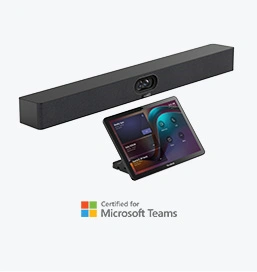
Premium all-in-one video collaboration bar for small-to-medium rooms with advanced camera and audio capability.
View product →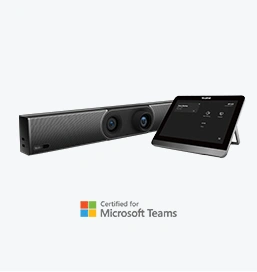
Video conferencing bar for medium rooms where teams need reliable meetings, simple deployment and professional audio/video.
View product →
Compact all-in-one video collaboration bar designed for small rooms, huddle rooms and home office spaces.
View product →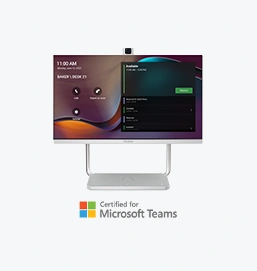
Desktop collaboration device for personal workspaces, small meeting points and phone conference rooms.
View product →Send us your room size, platform and budget. We will recommend the right display, video bar, microphone, speaker and sharing setup.
A good huddle room is not just a camera on a screen. We look at the room, workflow, platform, user experience and support model before recommending the right solution.
We assess room size, seating, display position, network, power and cable routes.
We match the room to Microsoft Teams, Zoom, Google Meet, Webex or BYOD workflows.
We select the right display, camera, audio, control and wireless presentation setup.
We install, connect, configure, test and hand over the system ready for use.
We provide optional training, aftercare and maintenance for long-term reliability.
Useful answers for businesses planning small meeting room, focus room or hybrid collaboration spaces.
A huddle room is usually a small meeting space for around 2–6 people. The exact size varies, but the room is normally designed for quick meetings, short calls, small team collaboration and hybrid video conferencing.
Most huddle rooms need a display, camera, microphone, speaker, video conferencing device, wireless sharing option and simple controls. Some rooms also use interactive displays or room booking panels.
Yes. We can design huddle rooms for Microsoft Teams, Zoom, Google Meet, Cisco Webex or flexible BYOD/BYOM use where staff bring their own laptop.
Yes. ClickShare is useful where staff need simple wireless presentation or wireless conferencing from their own laptop without cables or adapters.
Yes. Screen Moove can help with advice, supply, installation, configuration, user handover and ongoing support across the UK.

Tell us your room size, platform, budget and current setup. We will help you choose the right display, video bar, microphone, speaker, wireless sharing and installation package.
Fill in the form and one of our AV specialists will get back to you.
Contact our team of experts today.


