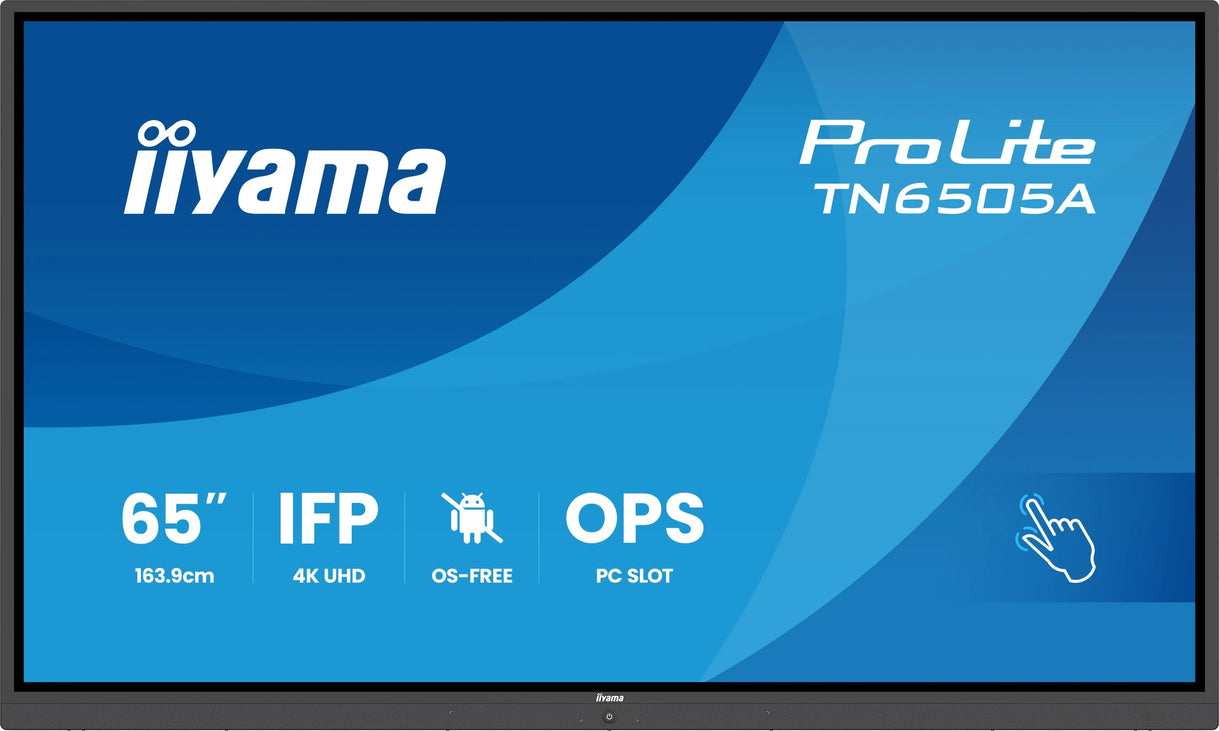
Multi-touch learning
Multiple students can interact with the display at the same time, supporting group work, problem solving and active participation.
iiyama large-format interactive displays bring 4K clarity, multi-touch learning, Google EDLA tools, wireless sharing and robust classroom-ready reliability into schools, colleges, universities and training environments.
From everyday classrooms to lecture theatres, IT-controlled estates and hybrid learning rooms, Screen Moove supplies iiyama education display solutions with expert advice, project pricing and installation support.
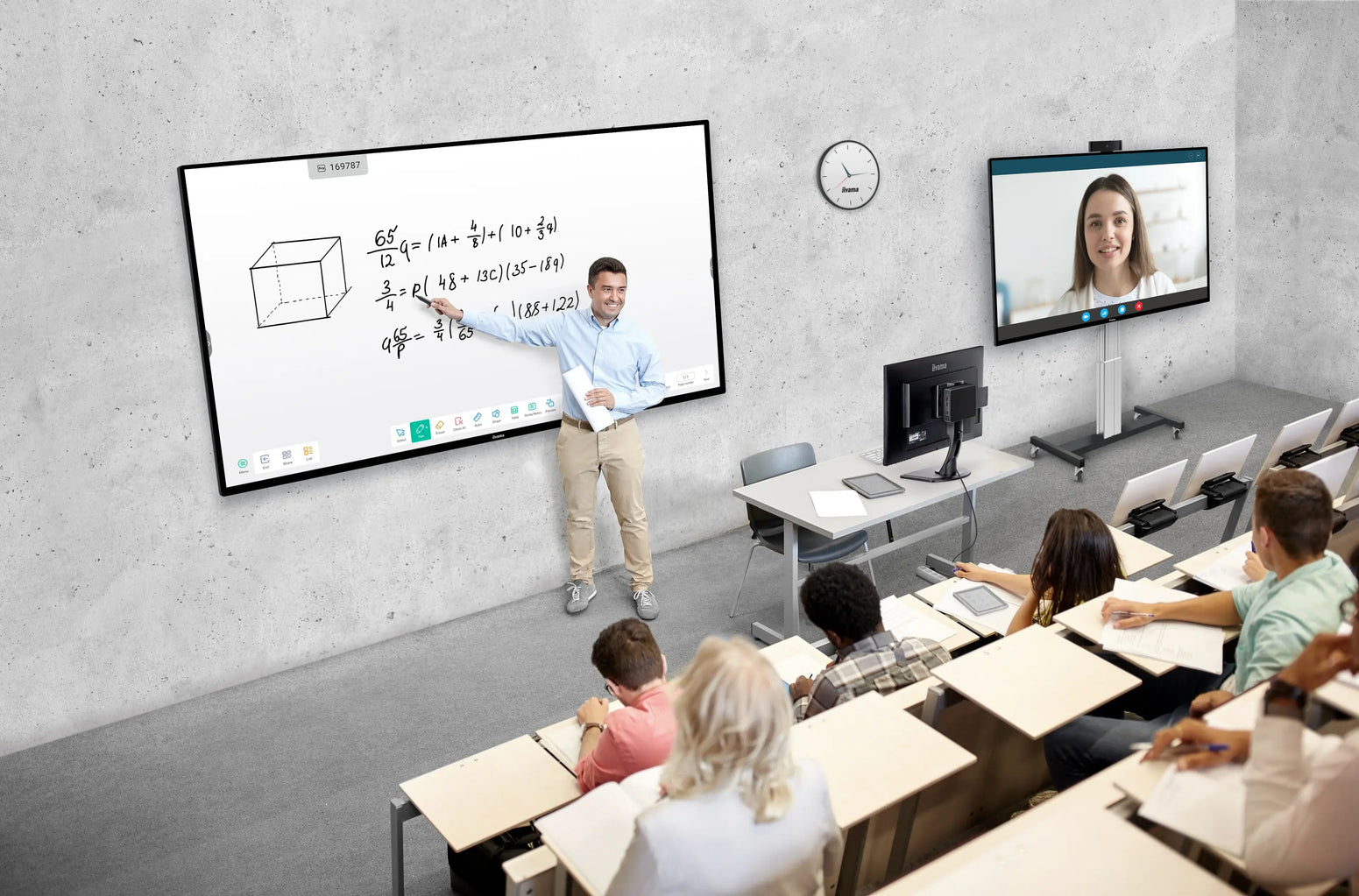
Transform teaching with immersive, collaborative and interactive classroom technology. iiyama interactive displays help teachers present, annotate, share content and support group learning from one central screen.
Infra-red touch technology supports fast, accurate interaction with multiple touch points. Anti-glare glass improves visibility from different seating positions, while palm rejection supports smoother handwriting and annotation.
For education customers, iiyama offers a full 5-year on-site swap-out warranty free of charge on eligible education purchases.
iiyama classroom displays combine vivid image quality, touch technology, simple controls and robust construction to help teachers deliver better lessons with fewer AV complications.
Multiple students can interact with the display at the same time, supporting group work, problem solving and active participation.
4K UHD resolution delivers clear text, rich colours and detailed visuals for lessons, diagrams, video and presentations.
Google EDLA certified models integrate with Google Workspace and Microsoft 365 for modern education workflows.
HDMI, USB, USB-C, wireless sharing and OPS options make it easier to connect classroom devices and teaching tools.
iiyama interactive displays reduce classroom AV complexity. Teachers can open lesson materials, annotate content, share screens, use whiteboard tools and connect laptops without relying on a separate projector and whiteboard setup.
Premium 4K UHD interactive displays built for colleges, universities, classrooms and modern meeting spaces.
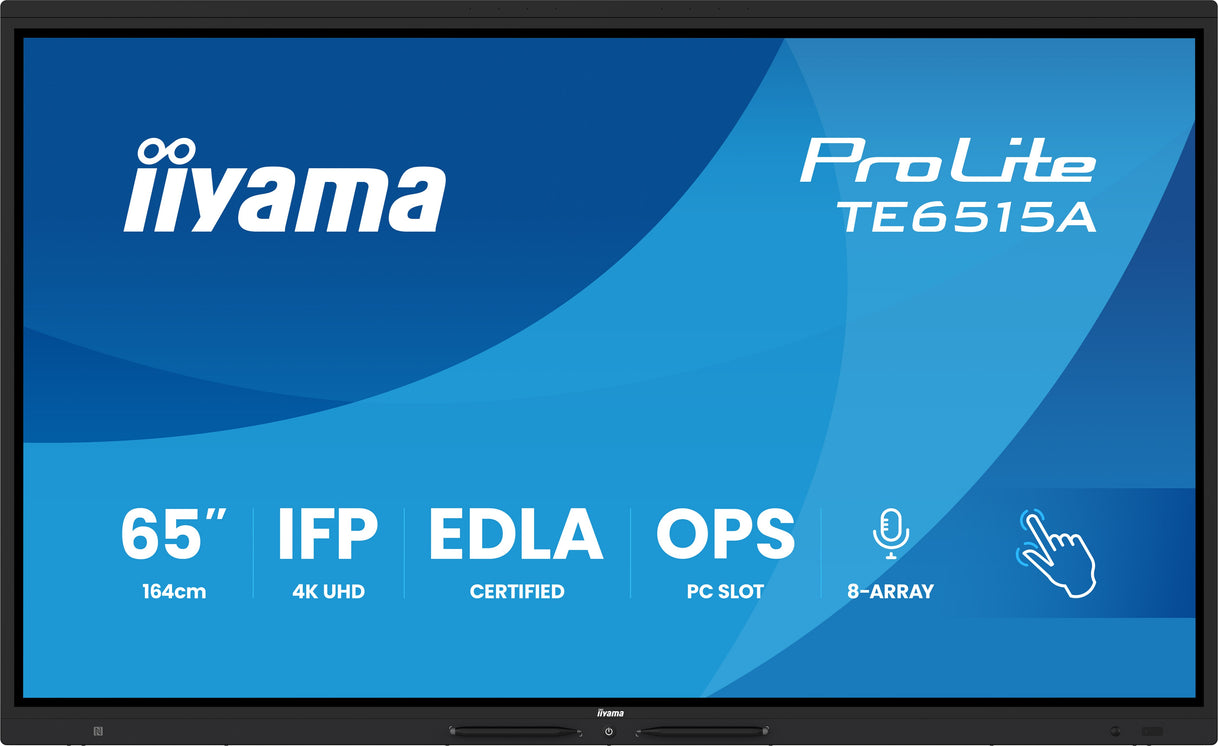
65” interactive display for classrooms, meeting rooms and everyday collaborative learning spaces.
Shop 65 inch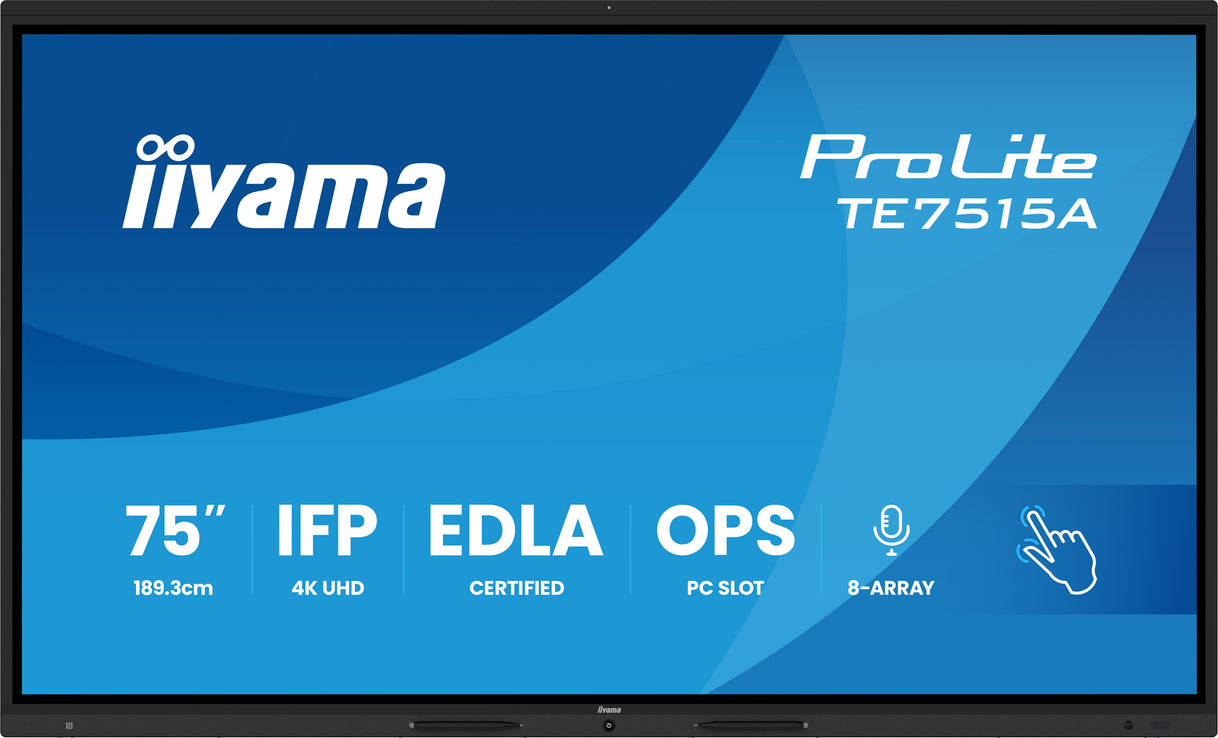
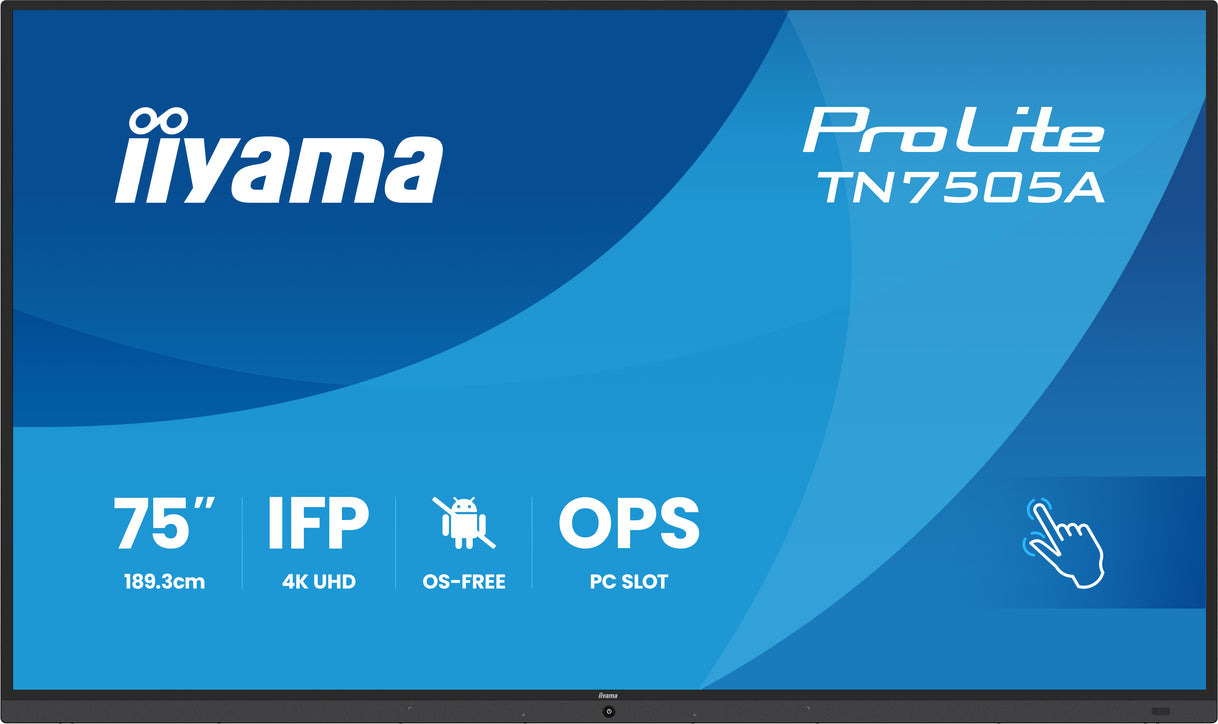
75” display for larger classrooms, training rooms and collaboration spaces needing stronger visibility.
Shop 75 inch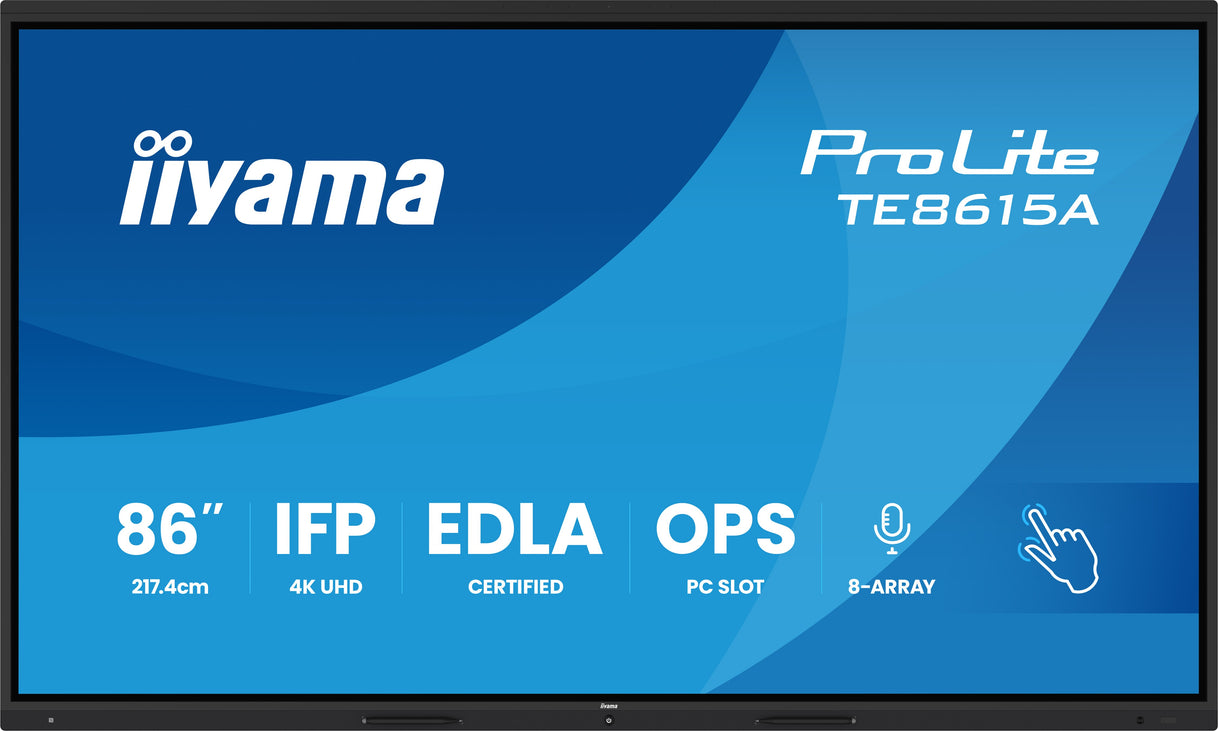
86” interactive display for bigger classrooms, lecture spaces and high-impact teaching environments.
Shop 86 inchUltra-wide 21:9 displays give lecturers, tutors and teams a panoramic canvas for content, video calls and collaborative sessions.
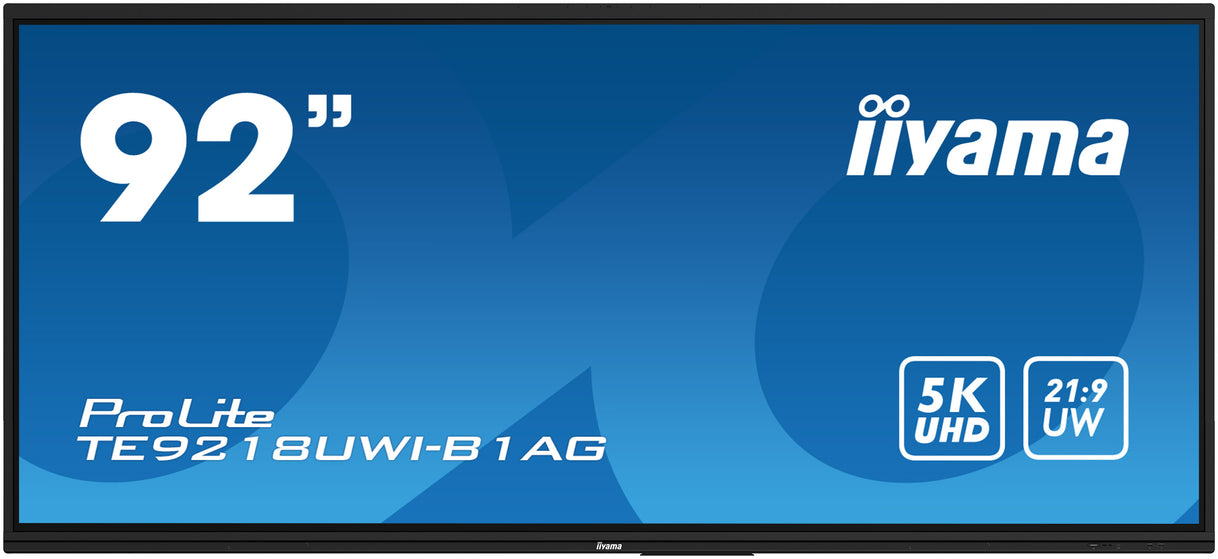
92” ultra-wide interactive 5K UHD display with 21:9 panoramic view for collaborative teaching spaces.
Shop 92 inch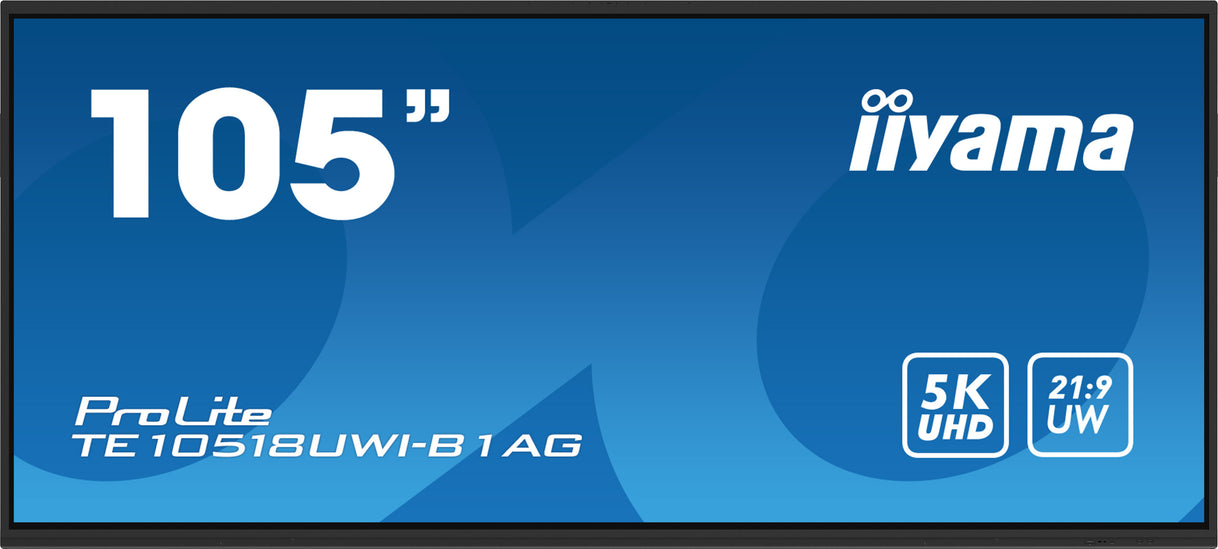
105” ultra-wide interactive 5K UHD display for lecture theatres, seminar rooms and premium collaboration suites.
Shop 105 inchTN05 OS-free touch displays are ideal when schools, colleges or universities want full control over the connected device, operating system and software environment.
Add hybrid teaching, video conferencing and Windows performance with iiyama UC accessories and OPS slot PCs.
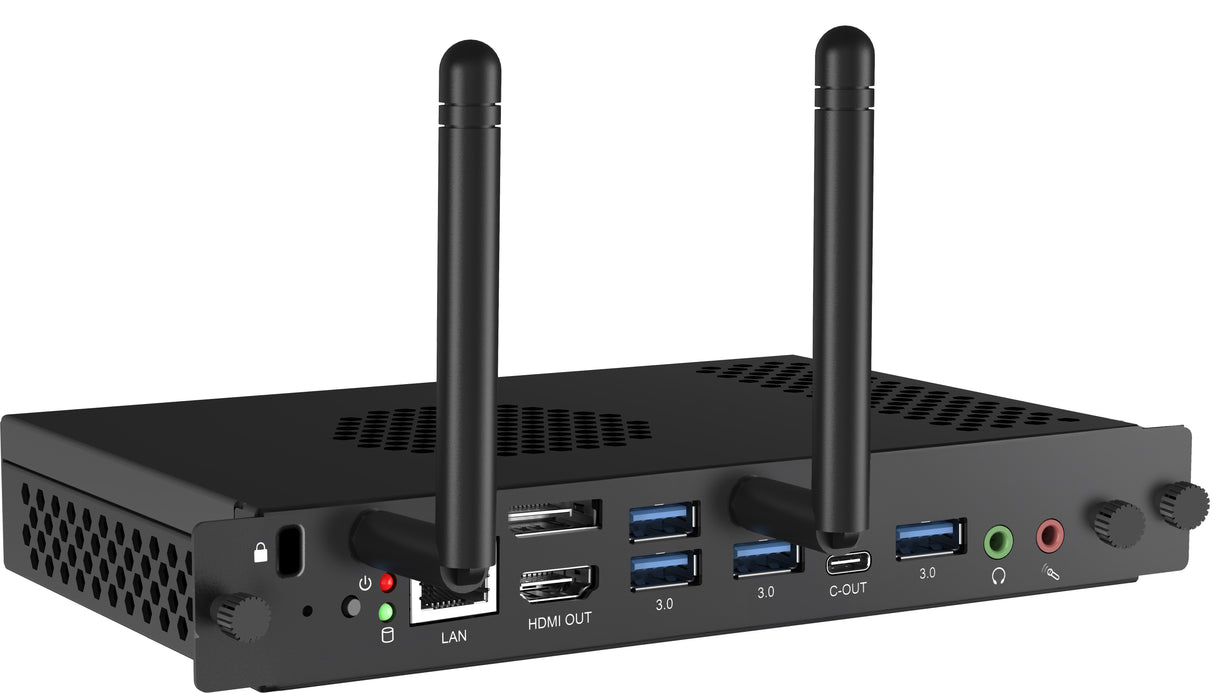
Intel i5 OPS slot PC with Windows 11 for integrated classroom computing on compatible iiyama displays.
Shop OPS PC
All-in-one conference bar for hybrid classrooms, seminar rooms and collaborative meeting spaces.
Shop conference bar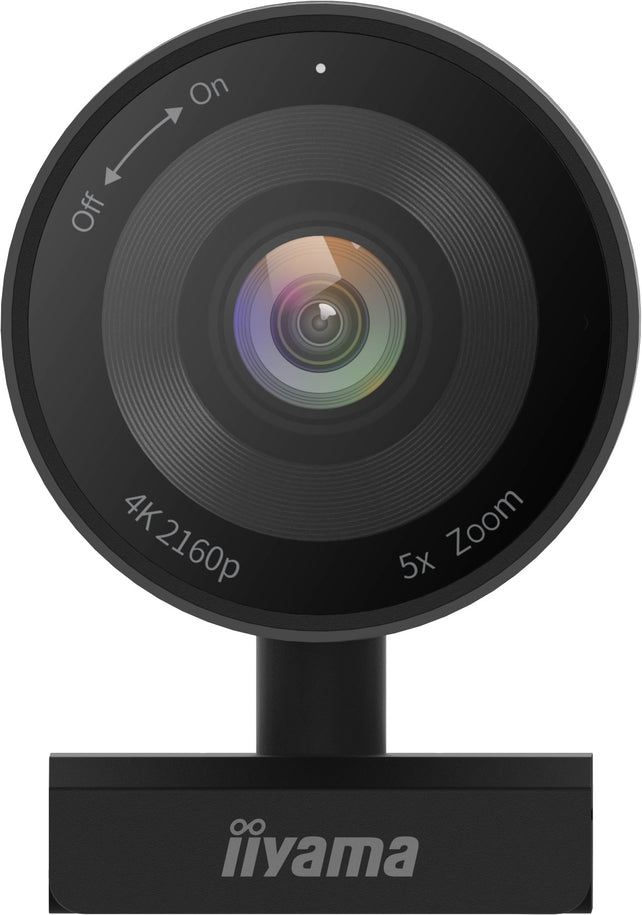
Professional 4K webcam with built-in microphone, 5x digital zoom, 120° field of view and auto tracking.
Shop 4K webcamOne interactive display can replace several devices already in the classroom, including a chalkboard, whiteboard, flipchart, projector and connected PC or laptop. Fewer devices means simpler AV management, lower maintenance and no more projector bulbs to replace.
iiyama large-format interactive displays include iiWare, a software suite designed to improve usability and classroom collaboration.
| Feature | iiWare 10.0 | iiWare 11.0 | iiWare 12E / EDLA |
|---|---|---|---|
| Google EDLA Certified | ✓ | ✓ | ✓ |
| User Profile Login | ✓ | ✓ | ✓ |
| iiyama Share / EShare Pro | ✓ | ✓ | ✓ |
| Whiteboard, notes and annotation | ✓ | ✓ | ✓ |
| Browser, finder and cloud drives | ✓ | ✓ | ✓ |
| Palm rejection / finger select | ✓ | ✓ | ✓ |
| PiP, split screen, record and freeze | ✓ | ✓ | ✓ |
| Timer, stopwatch, spotlight and calculator | ✓ | ✓ | ✓ |
Everything schools, colleges, universities and education providers need to know before purchasing an iiyama interactive display.
Yes. iiyama interactive displays are designed specifically for classrooms, colleges and universities. They feature multi-touch technology, 4K UHD resolution, Google EDLA certification on selected models, built-in whiteboarding, wireless screen sharing and durable commercial-grade panels suitable for everyday teaching.
iiyama combines excellent image quality, intuitive software, reliable commercial hardware and education-focused features including iiWare, Google Workspace integration, Microsoft 365 compatibility and long commercial warranties, making them a popular choice for schools throughout the UK.
iiyama interactive displays are widely adopted by schools, colleges and universities across Europe. Customers value their reliability, responsive touch technology, simple user interface and excellent value compared with many competing interactive display brands.
Yes. Unlike standard consumer monitors, iiyama education displays are commercial interactive touchscreens built for continuous classroom use. They support collaborative learning, annotation, wireless presentation and long operating hours.
Google EDLA (Enterprise Devices Licensing Agreement) allows teachers to securely access Google Classroom, Google Drive, Google Meet, Docs, Sheets and other Google Workspace applications directly from the interactive display using their own Google account.
Yes. Google EDLA certified iiyama displays also work seamlessly with Microsoft 365 applications including Teams, Word, Excel, PowerPoint and OneDrive, making them suitable for mixed learning environments.
Yes. iiyama interactive displays support multi-touch technology, allowing several students or teachers to write, draw and collaborate simultaneously during lessons.
Yes. Eligible education customers receive an exclusive 5-year on-site swap-out warranty on supported iiyama education displays, providing additional peace of mind and reducing classroom downtime.
Yes. Screen Moove supplies, installs and supports iiyama interactive displays throughout the UK. We also provide wall mounting, mobile trolleys, OPS slot PCs, conferencing equipment, training and ongoing technical support.
65" displays are ideal for smaller classrooms, 75" models suit most classrooms, 86" displays are recommended for larger teaching spaces, while 92" and 105" ultra-wide models are designed for lecture theatres, universities and collaborative learning environments.
Send us the room size, display size, quantity, mounting method, delivery postcode and deadline. Screen Moove can help with iiyama display supply, wall mounting, mobile trolleys, OPS PCs, cameras, speakers and education project pricing.